Figma Make can turn existing Figma work into editable prototypes, keep your design-system styles intact, and connect auth or data through Supabase. That shortens the path from static mockup to same-day demo without leaving the design workflow.

Figma Make’s pitch is simple: start from a Figma file and generate an interactive prototype without leaving the design workflow. The strongest claim in the feature demo is not raw generation speed but fidelity. The tool is said to inherit a team’s existing fonts, colors, and components, which matters more to designers than generic one-shot app builders because the output is meant to resemble the product they already maintain.
The companion product page expands that into a broader Figma-native workflow: start from templates or from scratch, prompt the model to refine specific elements, and keep editing collaboratively inside the same environment. That matches the editing note, which says generated output is editable at the level of copy, images, padding, and can also be copied back into Figma as design layers.
The examples being highlighted are practical rather than speculative: onboarding flows, data dashboards, PM-ready interactive prototypes, and investor demos built in the same day. The most important jump is the Supabase connection. In the integration post, connecting Supabase adds real authentication, persistent data storage, and private API access, which pushes the result beyond a throwaway clickthrough.
That does not automatically mean every Make output is production-ready. The evidence here comes from a sponsored creator walkthrough, not an independent benchmark, and the claims focus on speed and workflow compression rather than reliability at scale. Still, the combination of design-system reuse, editable output, and backend hooks is a meaningful change from AI prototyping tools that generate polished-looking but disconnected mockups.
A shared workflow converts GTA-style stills into photoreal images with Nano Banana 2, then animates them in LTX-2.3 Pro 4K using detailed material, skin, vehicle, and camera prompts. Try it for trailer-style previsualization if you want more control at lower cost.
 release
Topview added Seedance 2.0 to Agent V2, pairing multi-scene generation with a storyboard timeline and Business Annual access billed as 365 days of unlimited generations. That moves longform video workflows toward editable sequences instead of stitched clips.
 workflow
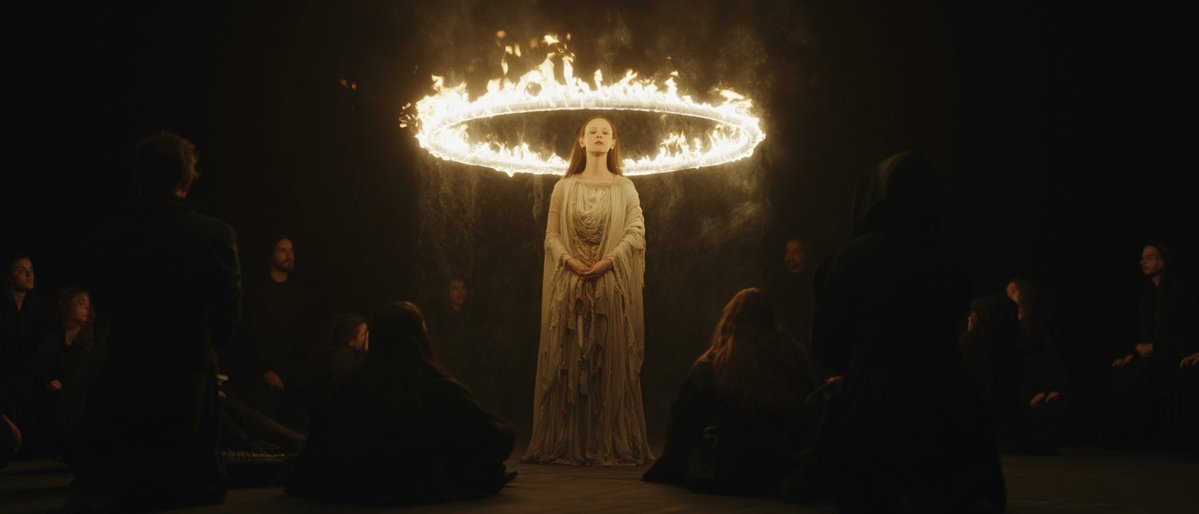
Creators are moving from V8 calibration complaints to darker film-still scenes, fashion shots, and worldbuilding tests, with ECLIPTIC remakes showing stronger depth and lighting. Retest saved SREF recipes if you rely on V8 for cinematic ideation.
 workflow
A shared workflow converts GTA-style stills into photoreal images with Nano Banana 2, then animates them in LTX-2.3 Pro 4K using detailed material, skin, vehicle, and camera prompts. Try it for trailer-style previsualization if you want more control at lower cost.
 workflow
Shared Nano Banana 2 workflows now cover turnaround sheets, distinctive facial traits, and photoreal rerenders that keep the framing of a reference image. Use one prompt grammar for concept art, editorial portraits, and animation prep.
🚨 Figma Make killed the "static mockup" era forever. It's an AI tool that turns your Figma designs into clickable, functional prototypes in minutes. No coding. No back-and-forth with devs. Just prompt → working app. Here's everything you need to know ↓
RIP the "we'll build it to validate it" excuse. Figma Make just made "same-day idea to demo" the new standard. Try it free → psxid.figma.com/hasan #FigmaPartner
What you can build with it: → Onboarding flows → Data dashboards → Full web apps (with real data via Supabase) → Interactive prototypes for PM alignment → Same-day idea → demo for investors Designers, PMs, and non-technical founders all have a use case here.