Shared Nano Banana 2 workflows now cover turnaround sheets, distinctive facial traits, and photoreal rerenders that keep the framing of a reference image. Use one prompt grammar for concept art, editorial portraits, and animation prep.
The strongest Nano Banana 2 pattern is structured prompting rather than vague style words. In the turnaround post, the recipe is to “extract” a character from one image using a character-turnaround format, which turns a scene reference into front, side, back, and close-up views that are useful for animation prep, concept art handoff, and repeatable character design. A related prompt library suggests this has already become a reusable prompting category rather than a one-off trick.
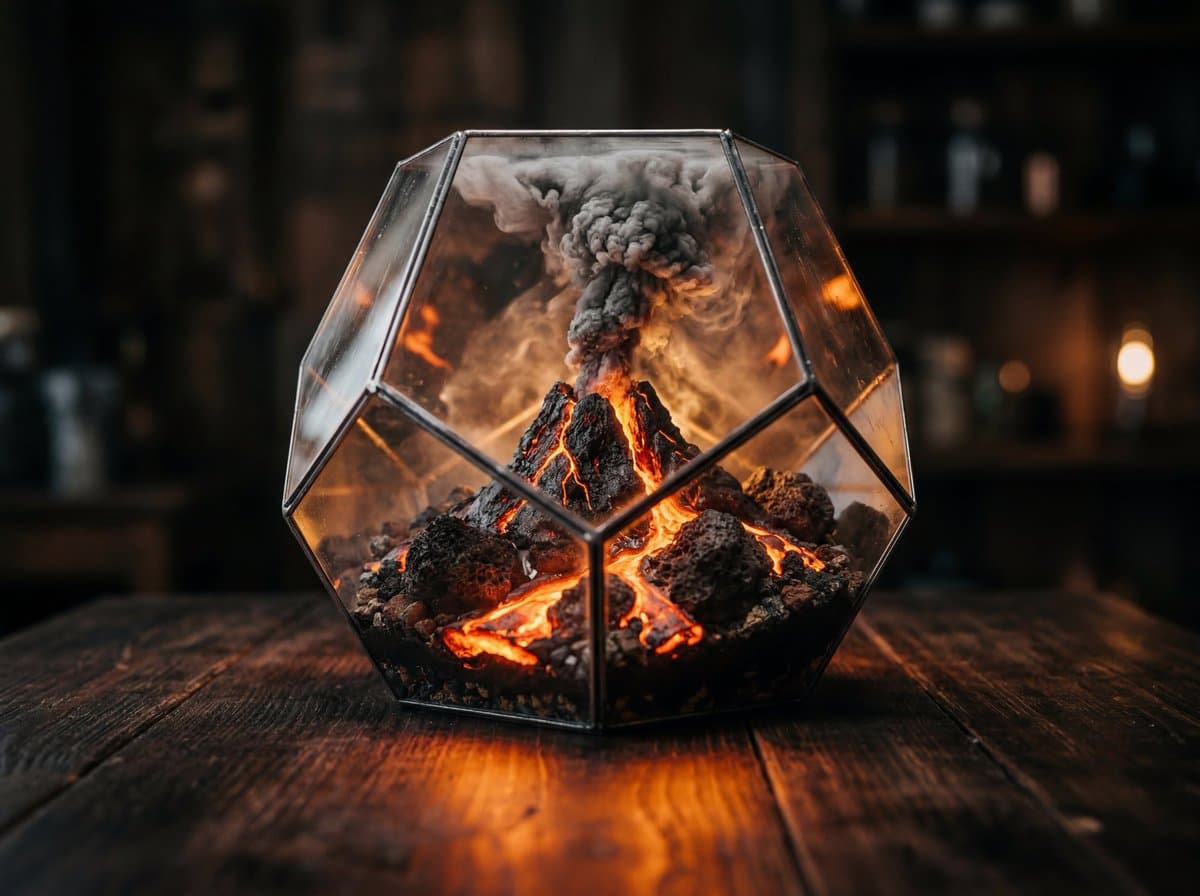
Other creators are doing the same thing with scene templates. Glenn Has A Beard shared a fill-in-the-blanks prompt for a glass container holding a miniature ecosystem, with variables for container type, ecosystem, lighting, and color spill; the outputs read like controlled macro product photography rather than open-ended image generation. On the portrait side, ai_artworkgen's trait prompts show that specific physical details such as vitiligo, gap teeth, dimples, cleft palate, or facial scars can steer the model toward more distinctive faces instead of default beauty-retouch sameness.
The most production-ready demo is the rerender workflow from Allar Haltsonen, who takes reference images into Nano Banana 2 and asks for a photoreal photograph while preserving exact composition, perspective, and the original pink-purple-teal Vice City palette. The accompanying prompt text is unusually specific about camera package, material realism, neon light spill, wet pavement reflections, subtle film grain, and what not to change.
That same consistency shows up in stylized work. ProperPrompter's demo uses turnaround sheets to build Ghibli-style versions of Office characters and then place them together in a coherent Dunder Mifflin scene, which is closer to character pipeline thinking than simple fan-art prompting. A lighter-weight version of that idea appears in the night flash set, where the value is a prebuilt photographic look creators can apply quickly inside Leonardo rather than rewriting lighting language from scratch each time.
Luma launched Uni-1 and says it can reason through prompts while generating images. Creators report stronger composition on first pass for sketch-to-photo, multiview characters, and reference-led scenes, which should cut correction loops.
 release
Topview added Seedance 2.0 to Agent V2, pairing multi-scene generation with a storyboard timeline and Business Annual access billed as 365 days of unlimited generations. That moves longform video workflows toward editable sequences instead of stitched clips.
 workflow
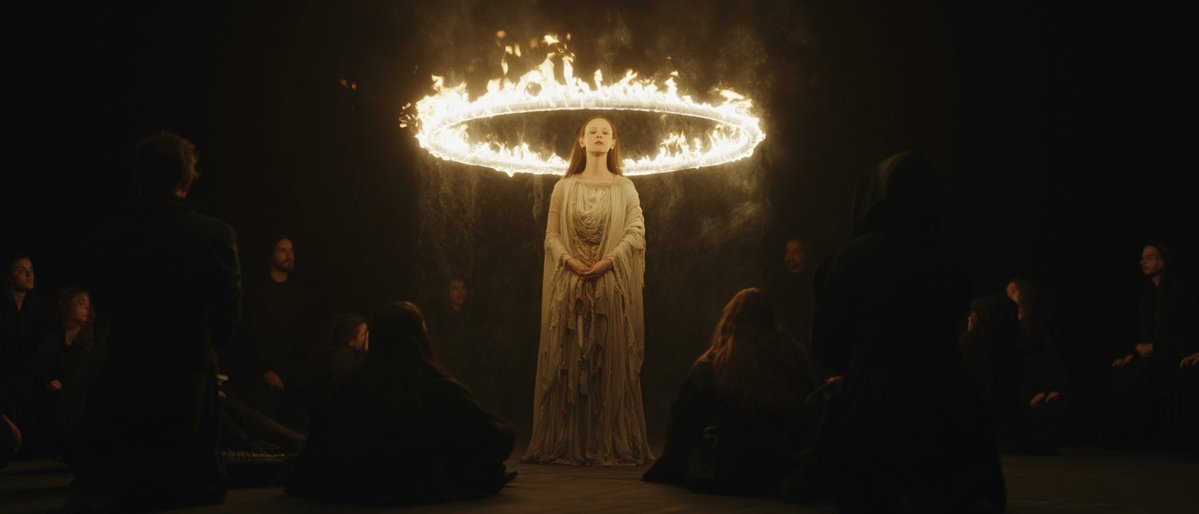
Creators are moving from V8 calibration complaints to darker film-still scenes, fashion shots, and worldbuilding tests, with ECLIPTIC remakes showing stronger depth and lighting. Retest saved SREF recipes if you rely on V8 for cinematic ideation.
 workflow
A shared workflow converts GTA-style stills into photoreal images with Nano Banana 2, then animates them in LTX-2.3 Pro 4K using detailed material, skin, vehicle, and camera prompts. Try it for trailer-style previsualization if you want more control at lower cost.
 release
Luma launched Uni-1 and says it can reason through prompts while generating images. Creators report stronger composition on first pass for sketch-to-photo, multiview characters, and reference-led scenes, which should cut correction loops.
Prompt share: A clear glass [CONTAINER] sitting on a dark wooden table, inside the [CONTAINER] a complete miniature [ECOSYSTEM] with [KEY VISUAL ELEMENT] and [SECONDARY DETAIL], [LIGHT TYPE] illuminating the glass from within, [LIGHT EFFECT] casting [COLOR] light through theShow more
I re-rendered the GTA Vice City images and turned them into video inside @LTXStudio Here's a breakdown with more results, comparisons + prompts:


nano banana 2 scene ➙ character turnarounds prompt: extract the [character] from [img1] using the character turnaround format from [img2]


