Freepik rolled out Kling 3.0 Motion Control in Pikaso with video-based motion reference, 30-second clips, and a temporary unlimited-use offer for higher tiers through March 16. Try it for repeatable motion and looping workflows without leaving one platform.
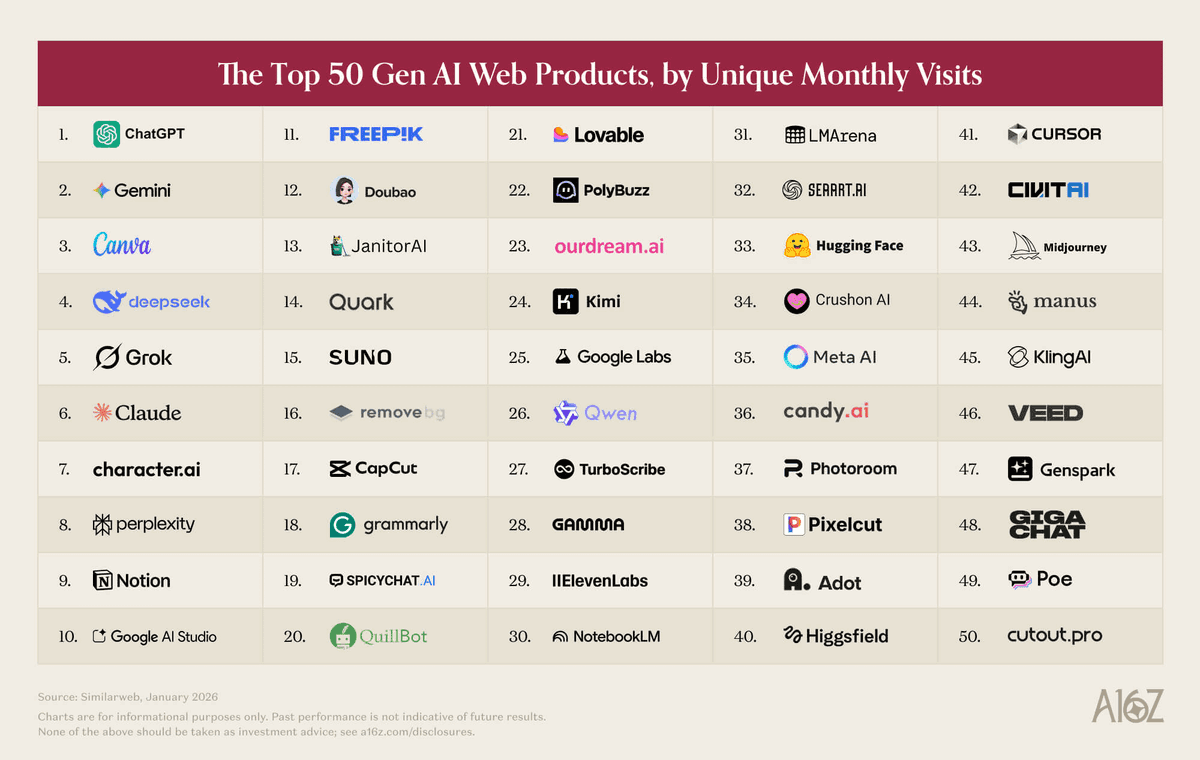
Freepik's launch post frames Kling 3.0 Motion Control as “full motion control” inside Pikaso. The concrete new pieces are simple: use a video as the motion reference, preserve gestures and expressions from that reference, and render clips up to 30 seconds long. The companion tool link post routes users directly to the Kling Motion Control page in Freepik's video generator at the Pikaso tool.
This matters less as a headline feature list than as a workflow change. Instead of prompting motion from scratch, creators can now treat an existing performance or camera move as the template and swap the visual layer on top. Freepik also attached a time-limited pricing hook: the same announcement says Premium+ and Pro subscribers have unlimited use until March 16.
The fastest creator takeaway is that Kling's motion control fits neatly into short-form looping workflows. In techhalla's demo, the process is deliberately lightweight: generate a lofi still with Z-Image, upscale it, then animate it into a loop inside Freepik. The thread says the trick is to reuse the same image as both the start and end frame for a clean 15-second closure, which turns a static scene into a repeatable music-video backdrop rather than a one-off shot.
A second example shows the other end of the spectrum. In the Shibuya demo, Kling 3.0 Motion Control drives a smooth orbit and zoom across a stylized extraction of Tokyo's Scramble Crossing, emphasizing camera choreography and output resolution; the post explicitly calls out 1080p quality. Taken together, the two demos sketch the current creative range: simple atmospheric loops for music and study content, or more elaborate camera-driven moves over designed environments.
The common thread is control. Freepik is packaging image generation, upscaling, and Kling animation in one place, so the practical win is less about a brand-new aesthetic and more about keeping a motion reference intact while iterating on style and scene design.
Seedance 2.0 is rolling out through Dreamina on CapCut desktop and web, starting in Southeast Asia plus Brazil and Mexico. Watch region-gated access if you need it now, since U.S. availability is still delayed.
 release
Topview added Seedance 2.0 to Agent V2, pairing multi-scene generation with a storyboard timeline and Business Annual access billed as 365 days of unlimited generations. That moves longform video workflows toward editable sequences instead of stitched clips.
 workflow
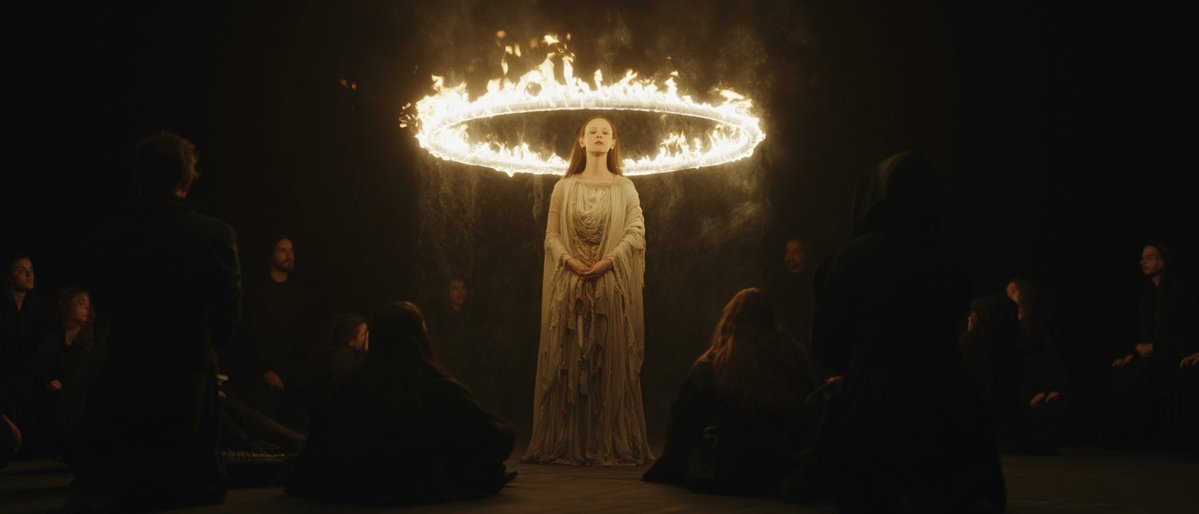
Creators are moving from V8 calibration complaints to darker film-still scenes, fashion shots, and worldbuilding tests, with ECLIPTIC remakes showing stronger depth and lighting. Retest saved SREF recipes if you rely on V8 for cinematic ideation.
 workflow
A shared workflow converts GTA-style stills into photoreal images with Nano Banana 2, then animates them in LTX-2.3 Pro 4K using detailed material, skin, vehicle, and camera prompts. Try it for trailer-style previsualization if you want more control at lower cost.
 workflow
Shared Nano Banana 2 workflows now cover turnaround sheets, distinctive facial traits, and photoreal rerenders that keep the framing of a reference image. Use one prompt grammar for concept art, editorial portraits, and animation prep.
This is what full motion control actually looks like Kling 3.0 Motion Control is now on Freepik Use any video as motion reference Gestures and expressions stay the same, every time Up to 30s videos Unlimited for Premium + and Pro users, until March 16th
these AI lofi loops are a whole mood. 2 prompts, that’s it. I’m puttin' you on right now, here’s how to get it done on freepik in 10 minutes 👇