Freepik added Magnific Precision controls to Video Upscaler, including 4K output, a 12-frame preview, and sliders for sharpness, grain, strength, and FPS. Preview first, then push settings only after you know the texture treatment survives motion.

The update folds Magnific Precision into Freepik's existing Video Upscaler rather than launching as a separate tool. Freepik says creators can push output up to 4K, preview 12 frames before committing, and adjust sharpness, grain, and strength to decide how aggressively detail gets rebuilt. The attached demo launch demo shows the intended use case clearly: soft footage on one side, a much crisper version on the other, followed by the control panel for texture treatment.
The useful part is the preview-first loop. Video upscaling tools often look good on a single frame and fall apart once motion starts; Freepik's feature list makes the 12-frame check a core step before the full job. The separate comparison clip also points to FPS boosting, which means the tool is trying to solve two common cleanup problems at once: perceived detail and motion smoothness. That makes it closer to a finishing-stage polish pass for archive footage, AI-generated clips, or low-res source material than a simple resolution bump.
A Freepik Spaces workflow now uses Nano Banana 2 for stills, Veed Fabric for closeup lipsync, OmniHuman for directed performance, and Kling 3.0 for motion clips. Split one music video into model-specific stages instead of forcing a single tool to handle everything.
 release
Topview added Seedance 2.0 to Agent V2, pairing multi-scene generation with a storyboard timeline and Business Annual access billed as 365 days of unlimited generations. That moves longform video workflows toward editable sequences instead of stitched clips.
 workflow
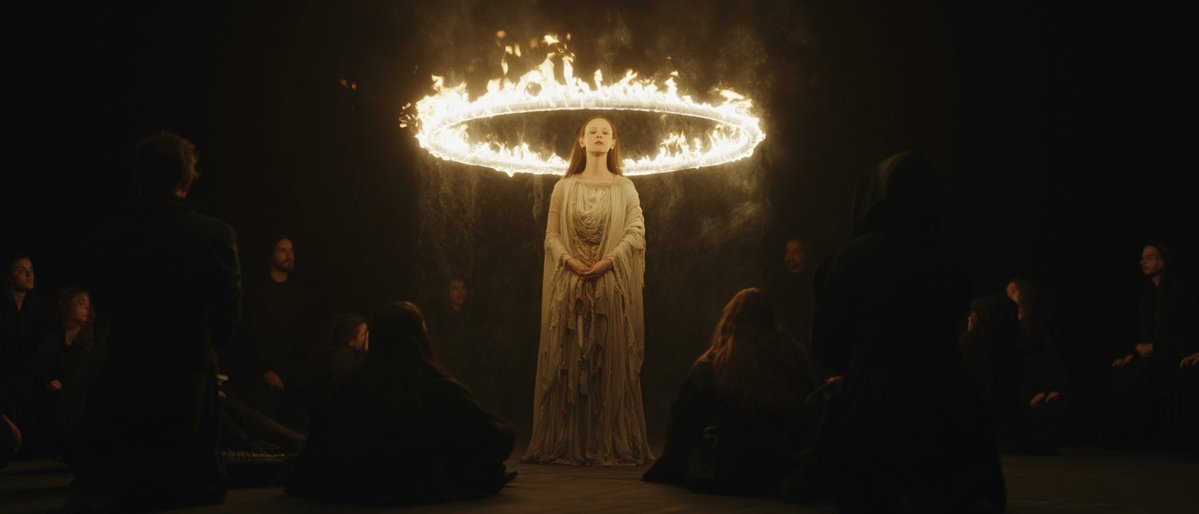
Creators are moving from V8 calibration complaints to darker film-still scenes, fashion shots, and worldbuilding tests, with ECLIPTIC remakes showing stronger depth and lighting. Retest saved SREF recipes if you rely on V8 for cinematic ideation.
 workflow
A shared workflow converts GTA-style stills into photoreal images with Nano Banana 2, then animates them in LTX-2.3 Pro 4K using detailed material, skin, vehicle, and camera prompts. Try it for trailer-style previsualization if you want more control at lower cost.
 workflow
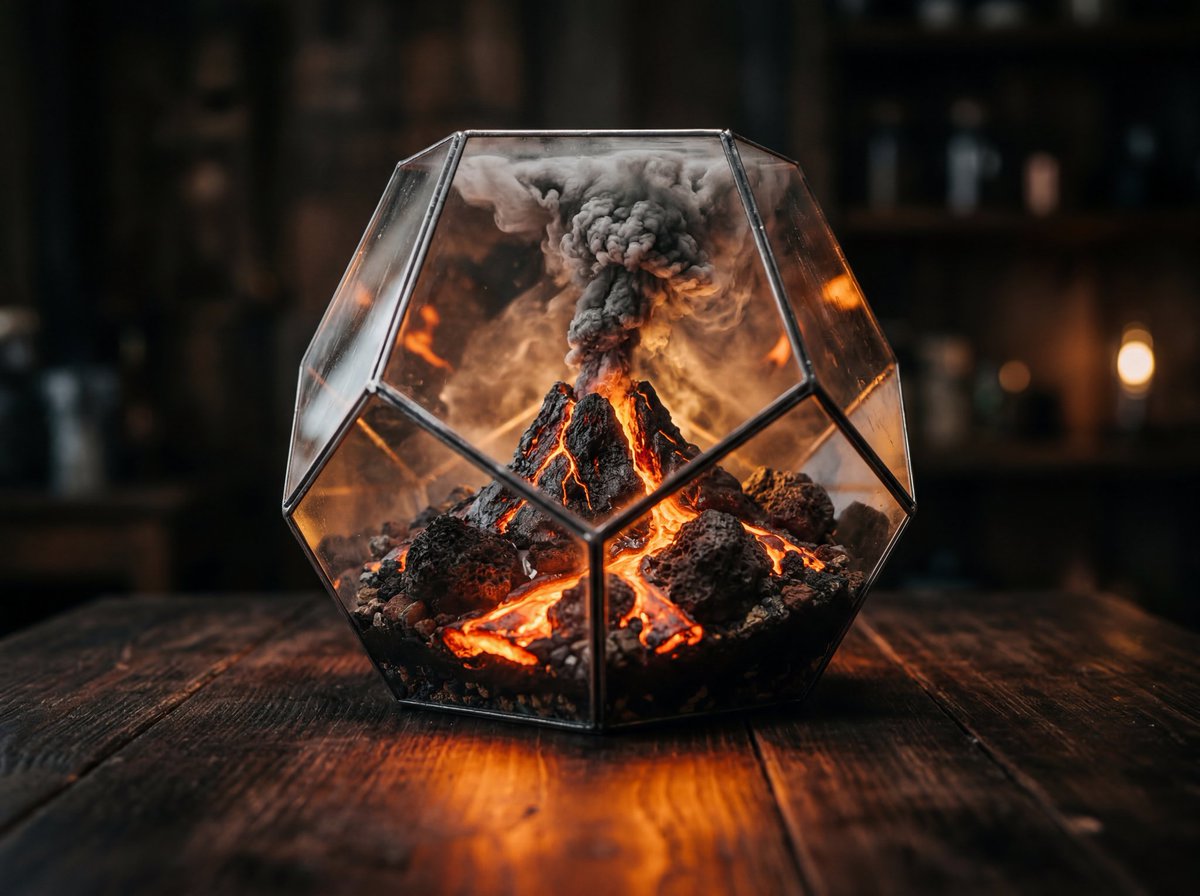
Shared Nano Banana 2 workflows now cover turnaround sheets, distinctive facial traits, and photoreal rerenders that keep the framing of a reference image. Use one prompt grammar for concept art, editorial portraits, and animation prep.
Magnific Precision, now available in Video Upscaler → Up to 4K with every texture preserved → Get a 12-frame preview before generating the full video → Full control over sharpness, grain, and strength → Boost FPS for smoother motion Now live on Freepik 👇
IT'S FINALLY HERE! 🔥 Magnific Precision for Video! 🔥 Available now in your favourite platforms 🧵