Freepik published a music-video template in Spaces using Nano Banana 2, Fabric 1.0 lip sync, and Kling 3.0 Motion Control, while creators also tested Speak on sung audio. Use the node recipe for fast mockups, but keep faces visible and front-facing to avoid broken sync.
Freepik's release is less a single model launch than a packaged recipe inside Spaces: start from a shared project, then run a music-video pipeline that combines character generation, audio-linked video nodes, style transfer, and title experiments. The company points users to the shared Space rather than just a teaser clip, which makes this feel closer to a reproducible template than a promo-only demo.
Freepik's tool breakdown names the stack directly: Nano Banana 2 creates the frames, VEED Fabric 1.0 drives the lip sync, and Kling 3.0 Motion Control adds controlled motion and later visual passes. In a separate step, Freepik says title nodes demo its list nodes are used to test different ending-title styles inside the same graph.
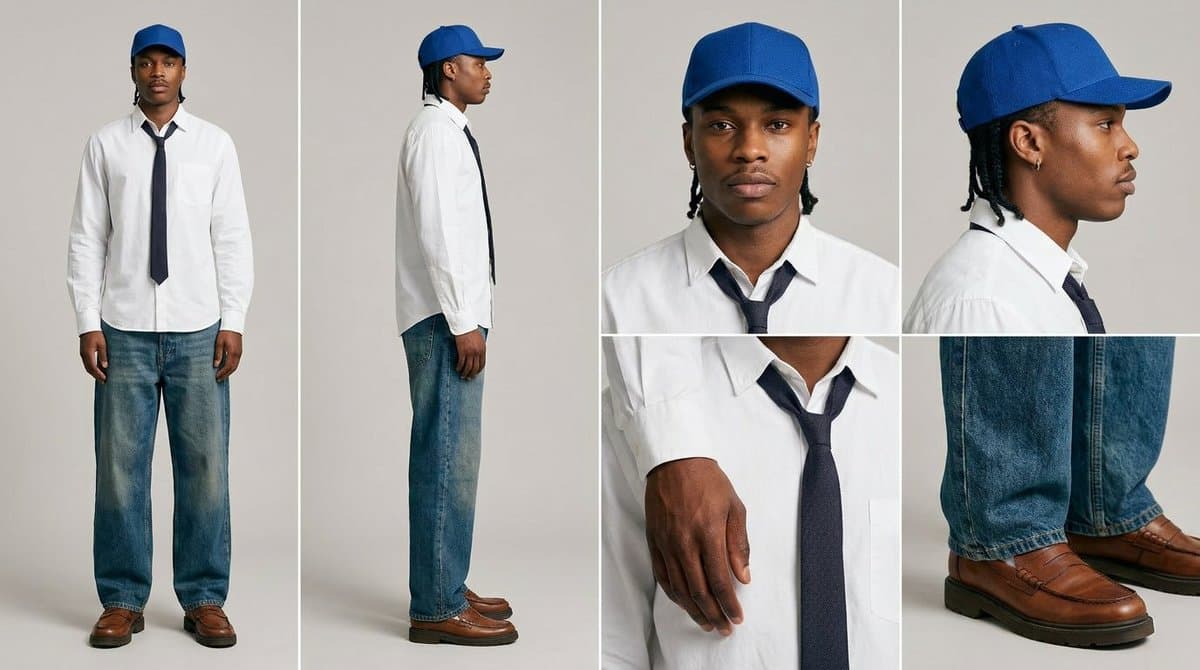
The first concrete prompt is a character-sheet setup: "different views and angles," mixing full-body shots and close-ups on a neutral background, with explicit instructions to avoid extra podcast-style details and keep expressions neutral. That gives the workflow multiple clean angles before any speech or singing is added.
Freepik's sequence recipe is simple but specific: generate two points of view in Nano Banana 2, attach an audio node with the script, connect that to a video node, then render each frame sequence with Fabric 1.0. A follow-up demo in multi-angle sync shows the same pattern repeated for side views, claiming synchronized clips can hold across different angles. For look development, Freepik's style transfer step adds Kling 3.0 Motion Control with a consistency prompt, and mixed-media pass shows a frame-extraction route back into Nano Banana for all-over effects.
Creator pzf_ai tested Freepik Speak on a 12-second Suno song segment and says it handled music without first separating the vocal stem, which is a practical difference from lip-sync tools that drift when vocals are sustained or buried in the mix. The same test used a Kling-generated performance clip with closed-mouth footage as the source, then replaced the mouth motion in Speak.
A second example in still-image result used only a still image plus the same music track. The lip sync looked stronger, but the background stayed much more static, and the tester reports failures when the face is briefly blocked or never faces the camera directly.
Shared Nano Banana 2 workflows now cover turnaround sheets, distinctive facial traits, and photoreal rerenders that keep the framing of a reference image. Use one prompt grammar for concept art, editorial portraits, and animation prep.
 release
Topview added Seedance 2.0 to Agent V2, pairing multi-scene generation with a storyboard timeline and Business Annual access billed as 365 days of unlimited generations. That moves longform video workflows toward editable sequences instead of stitched clips.
 workflow
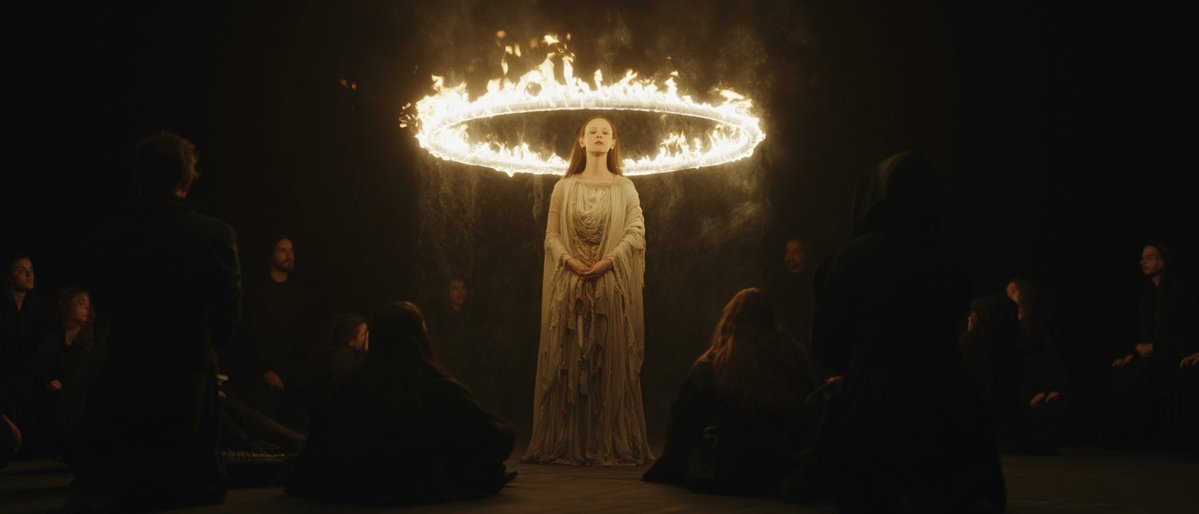
Creators are moving from V8 calibration complaints to darker film-still scenes, fashion shots, and worldbuilding tests, with ECLIPTIC remakes showing stronger depth and lighting. Retest saved SREF recipes if you rely on V8 for cinematic ideation.
 workflow
A shared workflow converts GTA-style stills into photoreal images with Nano Banana 2, then animates them in LTX-2.3 Pro 4K using detailed material, skin, vehicle, and camera prompts. Try it for trailer-style previsualization if you want more control at lower cost.
 workflow
Shared Nano Banana 2 workflows now cover turnaround sheets, distinctive facial traits, and photoreal rerenders that keep the framing of a reference image. Use one prompt grammar for concept art, editorial portraits, and animation prep.
You're going to make a music video in 10 minutes Just by using Freepik Spaces Here's how we did it (step by step) 👇
How can you generate the first sequence? 1️⃣ Generate the two points of view using Nano Banana 2 2️⃣ Add an 'audio node' with the script and link it to another 'video node' 3️⃣ Generate videos for each frame using Veed Fabric 1.0 💡 Remember to connect all the nodes
First, you have to create your characters Copy paste the prompt below Prompt: "Display different views and angles of [CHARACTER]. Full body shot and close ups in grids. Over a neutral color background. Do not add podcast details. Neutral facial expression."