A shared Freepik Space turns four text inputs into a logo, button system, UI kit, and looping animation, with adjacent one-image-to-website demos on phone. Duplicate the Space if you want a faster brand prototype pipeline.

The core idea is speed. In the original demo, the creator says the pipeline takes about six minutes and starts from just four text nodes wired into an image node powered by Nano Banana Pro 2. The attached clips show those variables feeding a logo generator, then a second pass that turns the logo into a button system before the workflow expands into a fuller UI kit UI kit build.
The thread adds the concrete handoff points. The breakdown says Step 2 uses another Nano Banana node to add depth by converting the logo into a button, Step 3 combines that button with the original brand variables to generate the UI kit, and Step 4 sends start and end frames into a Kling 3.0 node for a clean infinite loop. The same post also includes a duplicable Freepik Space via the shared Space.
The adjacent experiments are less documented but point in the same direction: brand asset generation is quickly collapsing into prototype generation. In the phone clip, Amir Mushich shows an AI-made visual turned into something interactive enough to browse on iPhone, and his companion post frames it as a full website made from one Nano Banana image with no web background.
A follow-up clip in the fashion example pushes that toward ecommerce-style layouts, with a phone-scrolled clothing site and “AI generated” transitions. Taken together, the stronger evidence is still the Freepik Space itself; the website examples are a creator proof-of-concept, not a documented product workflow.
A Freepik Spaces workflow now uses Nano Banana 2 for stills, Veed Fabric for closeup lipsync, OmniHuman for directed performance, and Kling 3.0 for motion clips. Split one music video into model-specific stages instead of forcing a single tool to handle everything.
 release
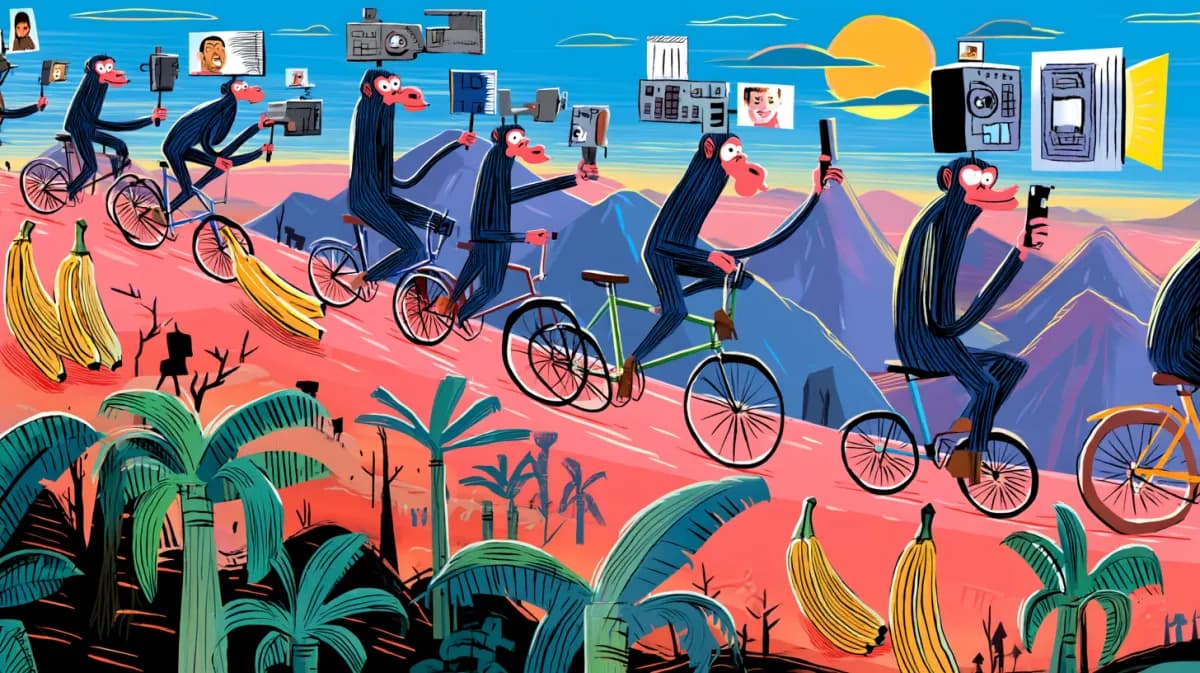
Topview added Seedance 2.0 to Agent V2, pairing multi-scene generation with a storyboard timeline and Business Annual access billed as 365 days of unlimited generations. That moves longform video workflows toward editable sequences instead of stitched clips.
 workflow
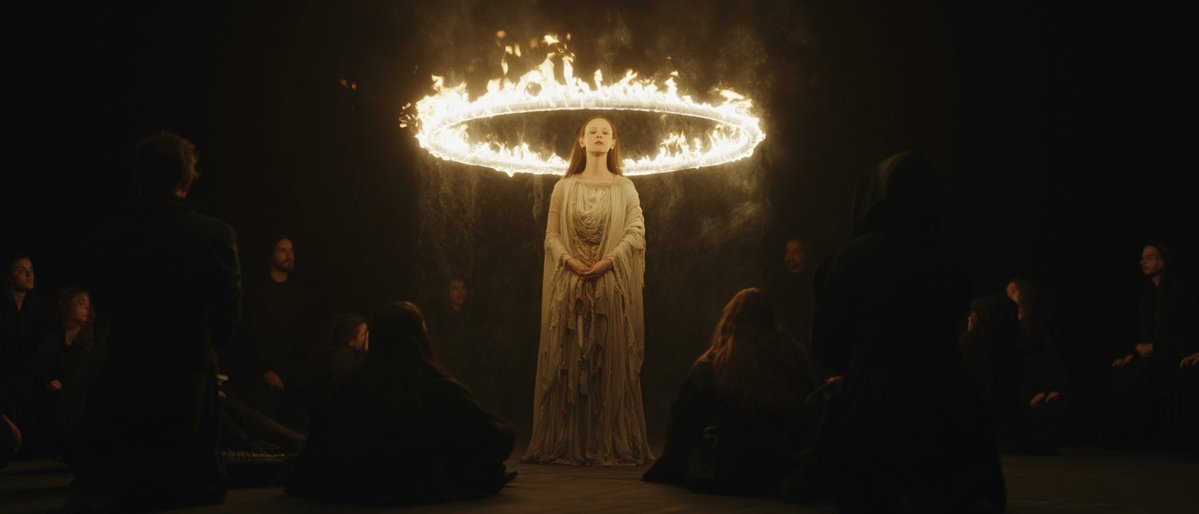
Creators are moving from V8 calibration complaints to darker film-still scenes, fashion shots, and worldbuilding tests, with ECLIPTIC remakes showing stronger depth and lighting. Retest saved SREF recipes if you rely on V8 for cinematic ideation.
 workflow
A shared workflow converts GTA-style stills into photoreal images with Nano Banana 2, then animates them in LTX-2.3 Pro 4K using detailed material, skin, vehicle, and camera prompts. Try it for trailer-style previsualization if you want more control at lower cost.
 workflow
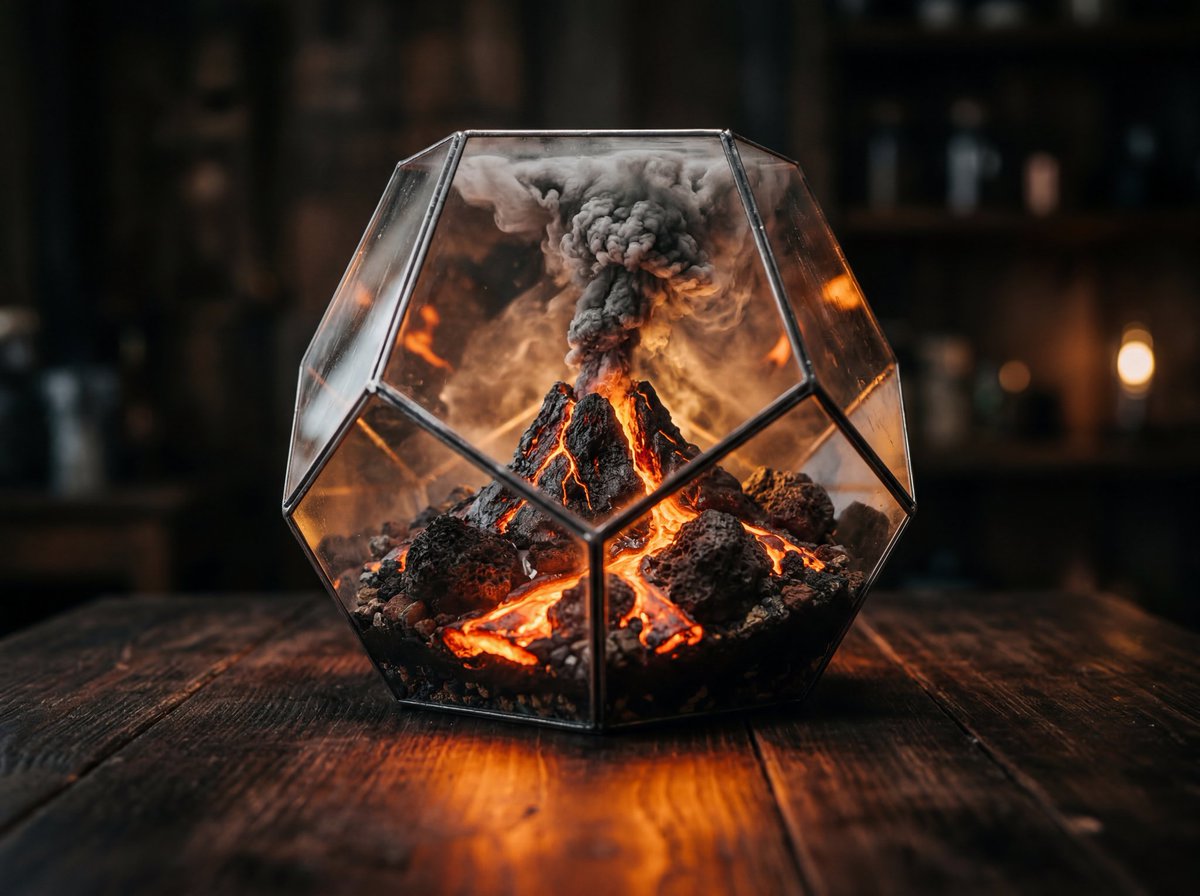
Shared Nano Banana 2 workflows now cover turnaround sheets, distinctive facial traits, and photoreal rerenders that keep the framing of a reference image. Use one prompt grammar for concept art, editorial portraits, and animation prep.
Your logo is hiding a whole UI Kit. Spent the weekend messing with this freepik space and stumbled onto this 5-steps workflow. Prompts in the thread 👇
That’s it! Everything you need is right here. Jump into my Space on Freepik, duplicate the workflow, and test out the prompts yourself. Link’s here freepik.com/pikaso/spaces/…
I can smell some cool use cases for clothing production websites
The guy just built this with AI that’s me playing with it on my iPhone You can create so much these days..

Someone told me to build this masterpiece using AI Here is my result (prompt is below) mybuildss.vercel.app/jelly-slider/d…