InVideo released Dynamic Captions with animated word-by-word styles, custom fonts and colors, and Safe Zone presets for TikTok and Instagram. Apply them early in the edit if captions are carrying retention and platform framing.

InVideo's launch demo centers on one-click dynamic subtitles that animate word by word instead of dropping in as a static block. The controls shown in the post include caption style presets, custom font selection, custom color choices, and a Safe Zone toggle built for TikTok and Instagram framing.
That Safe Zone detail matters because it pushes captions upstream in the edit. Rather than exporting a finished cut and fixing text placement later, creators can design around platform UI occlusion while they are still shaping the piece. InVideo's product page suggests the feature lives inside its main video editor, so the caption pass can sit alongside the rest of the timeline work.
The case for Dynamic Captions is performance, not just accessibility. In the data post, the launch thread says 92% of social video is watched on mute, that captions can raise completion by 80%, and that dynamic captions cut skip rate further than standard captions.
A second point from the critique clip is aesthetic: many captions still look like an afterthought, with small type and no rhythm or emphasis. That is why the strongest takeaway here is not "add subtitles," but treat text timing, emphasis, and screen placement as part of the edit itself. The closing post pushes that argument even harder, describing captions as "the new editing" when the text layer is what holds attention.
Seedance 2.0 is rolling out through Dreamina on CapCut desktop and web, starting in Southeast Asia plus Brazil and Mexico. Watch region-gated access if you need it now, since U.S. availability is still delayed.
 release
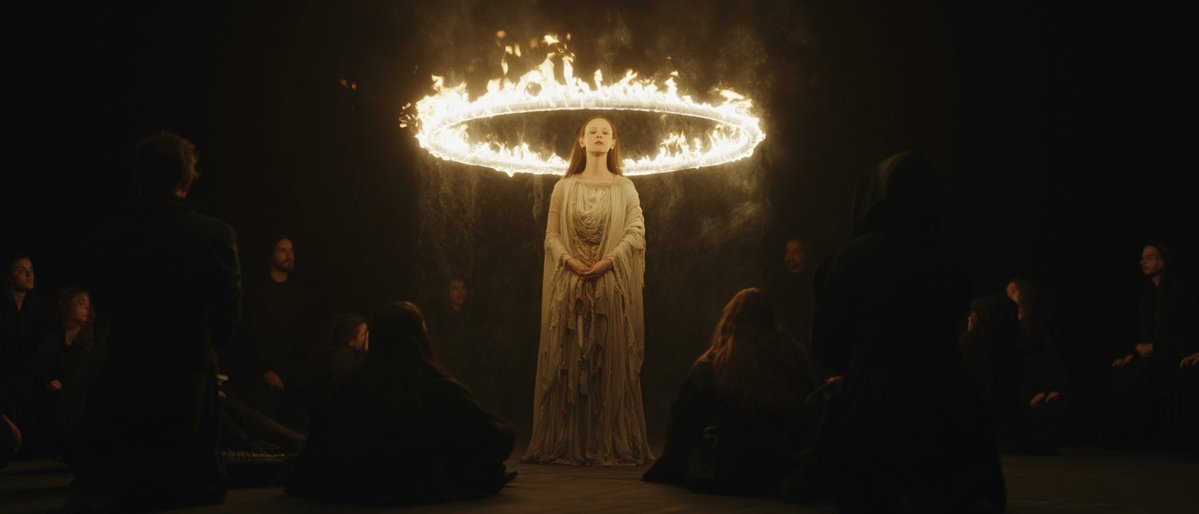
Topview added Seedance 2.0 to Agent V2, pairing multi-scene generation with a storyboard timeline and Business Annual access billed as 365 days of unlimited generations. That moves longform video workflows toward editable sequences instead of stitched clips.
 workflow
Creators are moving from V8 calibration complaints to darker film-still scenes, fashion shots, and worldbuilding tests, with ECLIPTIC remakes showing stronger depth and lighting. Retest saved SREF recipes if you rely on V8 for cinematic ideation.
 workflow
A shared workflow converts GTA-style stills into photoreal images with Nano Banana 2, then animates them in LTX-2.3 Pro 4K using detailed material, skin, vehicle, and camera prompts. Try it for trailer-style previsualization if you want more control at lower cost.
 workflow
Shared Nano Banana 2 workflows now cover turnaround sheets, distinctive facial traits, and photoreal rerenders that keep the framing of a reference image. Use one prompt grammar for concept art, editorial portraits, and animation prep.
Your $3,000 camera is losing to an iPhone with good captions @invideoOfficial just dropped Dynamic Captions, and it proves something most creators still underestimate the text on screen matters more than the video itself Here’s why:
That’s where invideo Dynamic Captions comes in. AI-powered, word-by-word animated captions with multiple creative styles. One click to apply. Custom fonts. Custom colors. Safe Zone toggle for TikTok and Instagram.