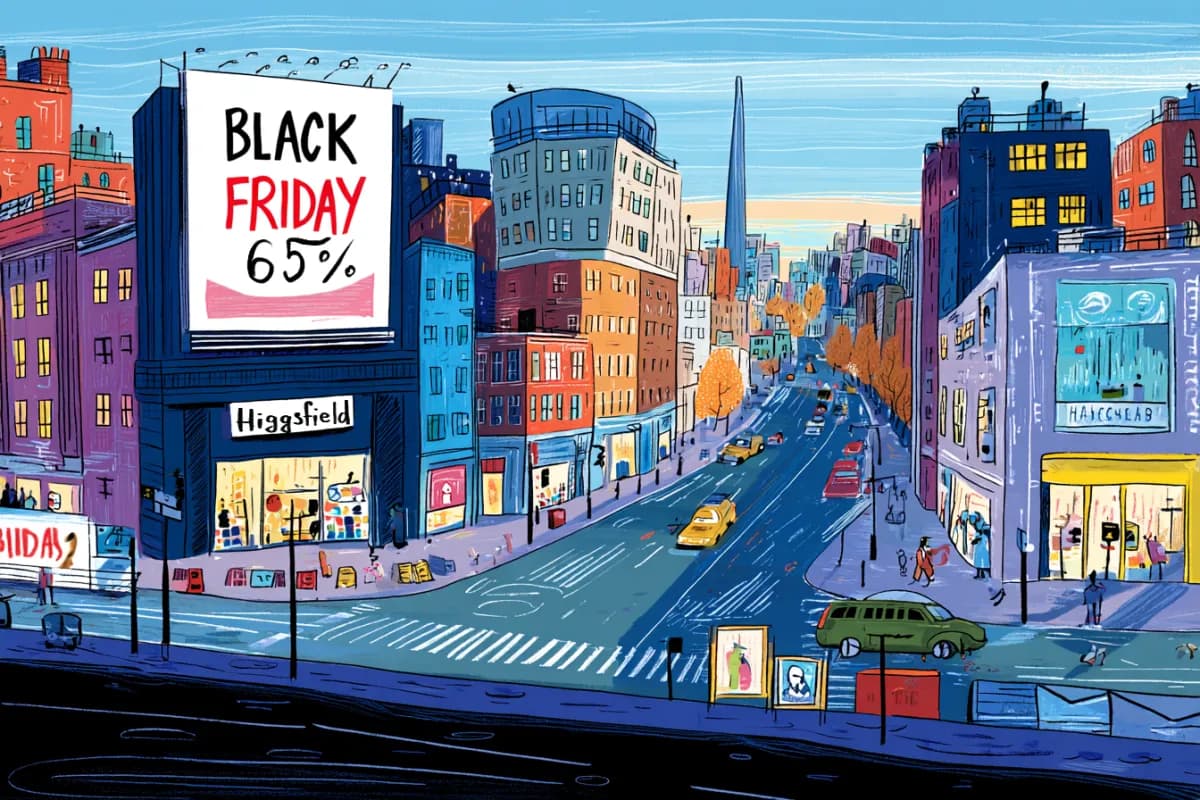
Kling rolled out a Team Plan on desktop and web with shared spaces, collaboration tools, and commercial-use permissions. Use it to centralize prompts, assets, and review loops instead of passing projects around manually.
Kling has launched a Team Plan across its desktop app and web app, giving users a shared workspace with support for up to 15 members. The company says the plan is built for collaborative workflow management and includes commercial-use coverage, which makes this more than a seat bundle for hobby use.
A repost of the announcement from an affiliate-style share also cites credits at $0.59 per 100. Kling's own post does not spell out pricing mechanics in the same detail, so that number should be treated as a secondary claim rather than the primary launch detail.
The timing fits how creators are already using Kling: one recent tutorial focuses on motion control for putting two characters in the same scene, which is the kind of shot design that usually involves prompt tweaks, version comparisons, and feedback across multiple iterations. A shared workspace gives teams one place to keep those assets and revisions instead of splitting them across chats, folders, and local exports.
Another creator demo shows Kling 3.0 generating a cinematic “stairway to heaven” clip from a single short prompt plus a clean visual concept. That kind of lightweight prompting is easy to start solo, but once a project moves into client review, variant tracking, or commercial delivery, Kling's new shared-space and permissions layer becomes the more consequential part of the release.
A shared workflow converts GTA-style stills into photoreal images with Nano Banana 2, then animates them in LTX-2.3 Pro 4K using detailed material, skin, vehicle, and camera prompts. Try it for trailer-style previsualization if you want more control at lower cost.
 release
Topview added Seedance 2.0 to Agent V2, pairing multi-scene generation with a storyboard timeline and Business Annual access billed as 365 days of unlimited generations. That moves longform video workflows toward editable sequences instead of stitched clips.
 workflow
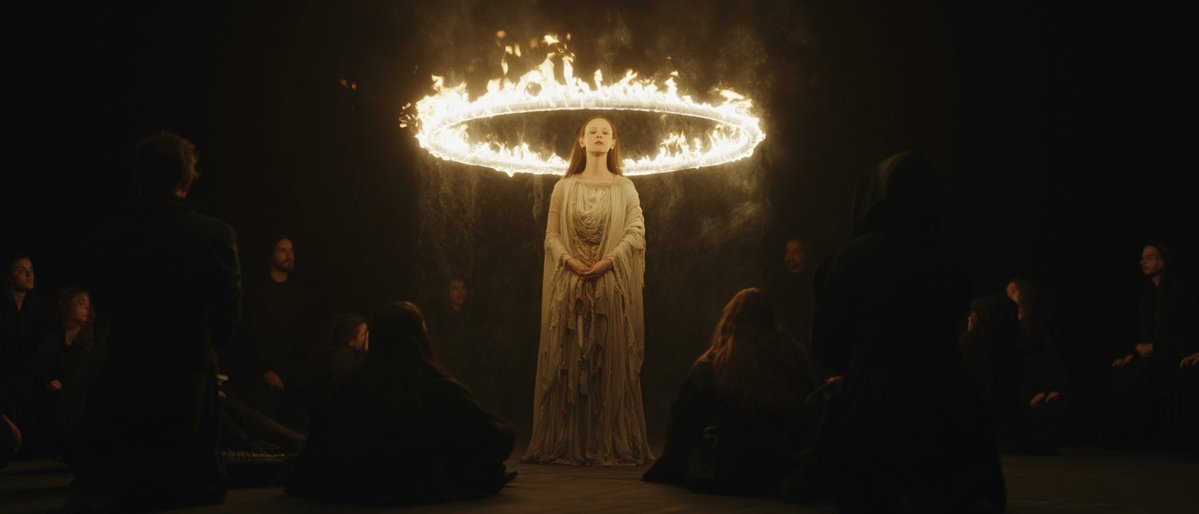
Creators are moving from V8 calibration complaints to darker film-still scenes, fashion shots, and worldbuilding tests, with ECLIPTIC remakes showing stronger depth and lighting. Retest saved SREF recipes if you rely on V8 for cinematic ideation.
 workflow
A shared workflow converts GTA-style stills into photoreal images with Nano Banana 2, then animates them in LTX-2.3 Pro 4K using detailed material, skin, vehicle, and camera prompts. Try it for trailer-style previsualization if you want more control at lower cost.
 workflow
Shared Nano Banana 2 workflows now cover turnaround sheets, distinctive facial traits, and photoreal rerenders that keep the framing of a reference image. Use one prompt grammar for concept art, editorial portraits, and animation prep.
Kling AI Team Plan is available on desktop app and web!🖥️ Now you can collaborate with up to 15 members in one shared space, manage workflows with ease, and create worry-free for commercial use. Upgrade to the Team Plan now for incredible benefits!

Kling motion control masterclass on having 2 characters in the same scene 😎👇

Put a green chroma behind the characters. Then isolate character 1 => apply motion control (keep the green chroma) Then isolate character 2 => apply motion control (keep the green chroma) Then animate the background (without the characters in) Remove the green chroma from both


Stairway to Heaven Sometimes creating a prompt for Kling 3.0 is as simple as this: Endless staircase rising upward through thick clouds above a mountain peak, lone traveler climbing slowly.