Seedance 2.0 is now showing up across CapCut Video Studio, Dreamina and Pippit with multi-scene timelines and shot templates. Creators can use it to move from single clips to editable long-form production.
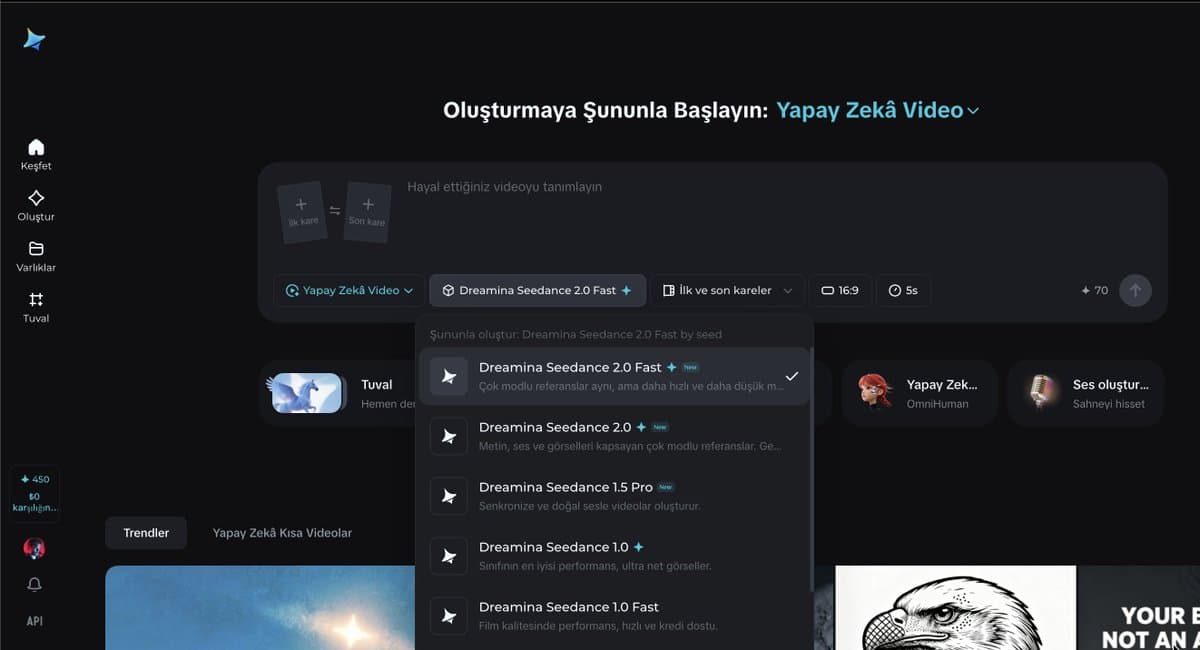
The rollout is broader than a single model drop. CapCut's own announcement describes Video Studio as a timeline-free web workflow that supports Dreamina Seedance 2.0 CapCut launch, while the screenshot set shows Seedance 2.0 appearing inside Dreamina, CapCut Video Studio, and Pippit at the same time. The clearest product difference is duration: CapCut's interface shows Seedance options for 5-15 second generations, while Pippit's menu splits into Seedance 2.0 for sub-15-second clips and separate Pippit modes optimized for 15-90 second projects.
Topview is where the long-form angle gets explicit. According to its launch post and the product page, Seedance 2.0 still offers the familiar prompt-plus-reference setup for short cinematic clips, but Agent v2 layers a unified editing workflow on top. A launch demo says the agent plans multi-scene videos and removes the practical ceiling of isolated 15-second generations.
The pitch is not just longer runtime; it's structured assembly. In MayorKingAI's workflow summary, Agent v2 takes a simple idea, expands it into a storyboard, breaks that into AI scenes, then lets you edit and reorder everything on one timeline. The attached examples span action-game trailers, mech shorts, fantasy scenes, anime, and dark fantasy rather than one house style action trailer dark fantasy.
Outside Topview demos, creators are already mixing tools to get there. Anima Labs says a 109-second insect-fantasy short combined Midjourney for 2D character work and backgrounds, Nano Banana for 3D, Kling for additional animation, and Seedance 2 in Dreamina for the motion pass, while also calling out inconsistencies once creature count and location count rise short film. A separate AIgorithm teaser was built with Seedance 2, three image references, and one prompt teaser build, and Artedeingenio used Topview's Omni Reference to combine up to three Midjourney images into a cyberpunk-anime motion piece Omni Reference.
The strongest practical recipe is 0xInk_'s prompt scaffold. It starts with a cinematic header for stock, lens, aperture, camera behavior, grade, lighting, atmosphere, and audio; assigns explicit jobs to each reference image; then maps the clip beat by beat from 0-1 seconds through the closing shot, with a stability note such as "Face stable, no deformation" built into the setup prompt template.
The full example gets very literal: Midjourney niji 7 for a 2D mech character concept concept step, Nano Banana 2 to convert that into a hyper-real 3D collectible render with anatomy cleanup and material realism 3D conversion, then Seedance prompts that specify shot scale, camera motion, sound effects, negative prompts, and exact action windows for armor assembly and launch. Separate creator tests suggest the model also handles reframing and aspect-ratio conversion between landscape and portrait reframe demo, plus stylized one-off genres like horror and illustrated motion horror clip illustration test.
Zopia lets creators start from an idea, script or images, pick a video model, then auto-generate characters, storyboards, clips and 4K exports. More of the film pipeline is bundled into one app.
 release
Runway's new web app turns a prompt or starter image into a cut scene with dialogue, sound effects and shot pacing. Creators can now block whole sequences instead of stitching isolated clips.
 release
Posts report Nano Banana 2 now offers 4K image output, and creators are using it for poster systems, hidden-object layouts and character sheets. Higher-res stills should travel better into video, branding and print workflows.
 update
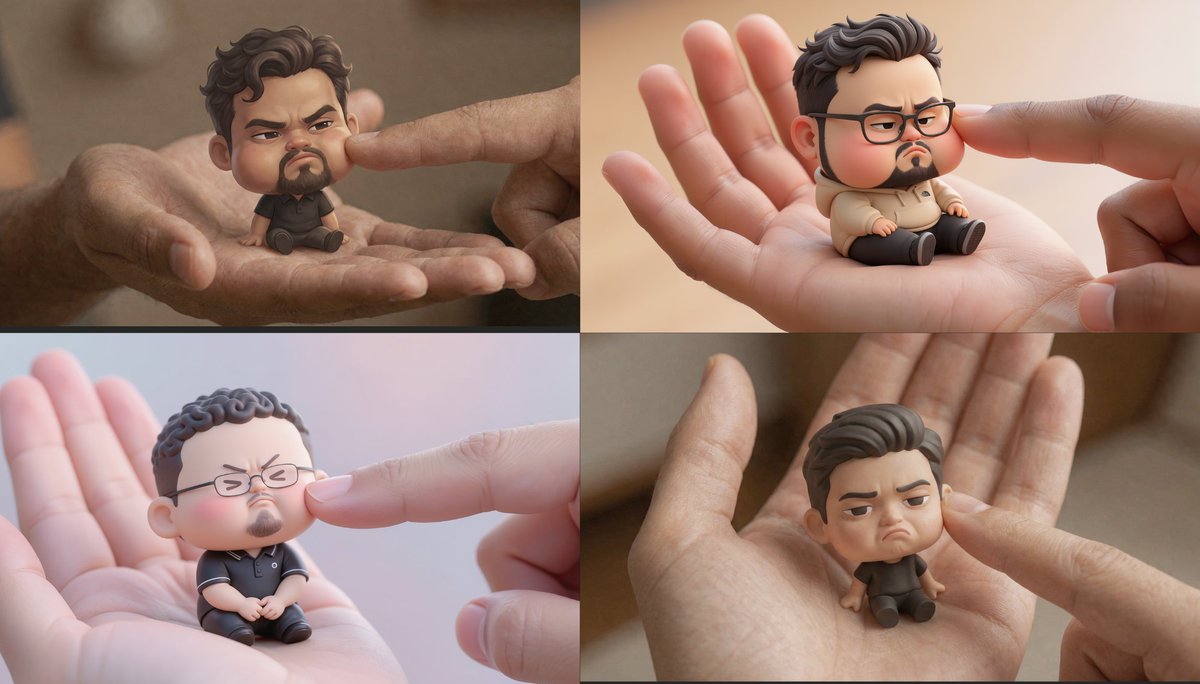
Official and partner demos show Uni-1 handling localized edits, dense layouts, manga generation and Pouty Pal chibis. Creators can reuse one model across avatar, editorial and comic workflows.
 release
Topaz says Starlight Precise 2.5 improves realism, cuts plastic-looking artifacts and upscales AI video to 4K in Astra, partner apps and API. Use it as a finishing pass when generated footage needs cleanup.
Launch is live right now! If you make any kind of video, this is actually worth playing with today 👇 topview.ai/seedance-2
This is wild Topview Agent v2 Built for long-form video, powered by AI agents Smart automation meets pinpoint control for studio-quality video of any length 7 examples below 👇 @TopviewAIhq
I pushed the limits of Seedance 2 in this short film! 🪲 I included as many elements as possible in terms of different creatures, assets, and locations. The mission was simple: bring a rare egg back to the queen (without considering the consequences). There are quite a few Show more
Let me share my current Seedance 2 workflow You can also copy this base template to your Claude and teach him to prompt on Seedance 2 [CINEMATIC SETUP] [Film stock / lens / aperture / camera behavior]. [Color grade]. [Lighting source]. [Atmosphere]. [Audio: sound FX only / no Show more
3. I usually create multiple sequences to build the video, then cut the incoherent shots. I edit on Davinci Resolve, it's really easy to use. SEQUENCE 1 — Armor Construction (0-15s) CINEMATIC SETUP 35mm film stock, Panavision anamorphic, f1.8. Live-action sci-fi blockbuster,Show more


Today is the weekend, and I felt like creating a short film with @MartiniArt_ using Seedance, inspired by the kinds of relationships children can have with each other… haha, I’ll let you tell me what you think of it I’m enjoying working more and more with this kind of