A tutorial thread showed how to route Claude Code through Ollama, choose a local coding model, and point Claude at a local base URL for private work. Use it if you want agent-style coding on your own machine without cloud API spend.
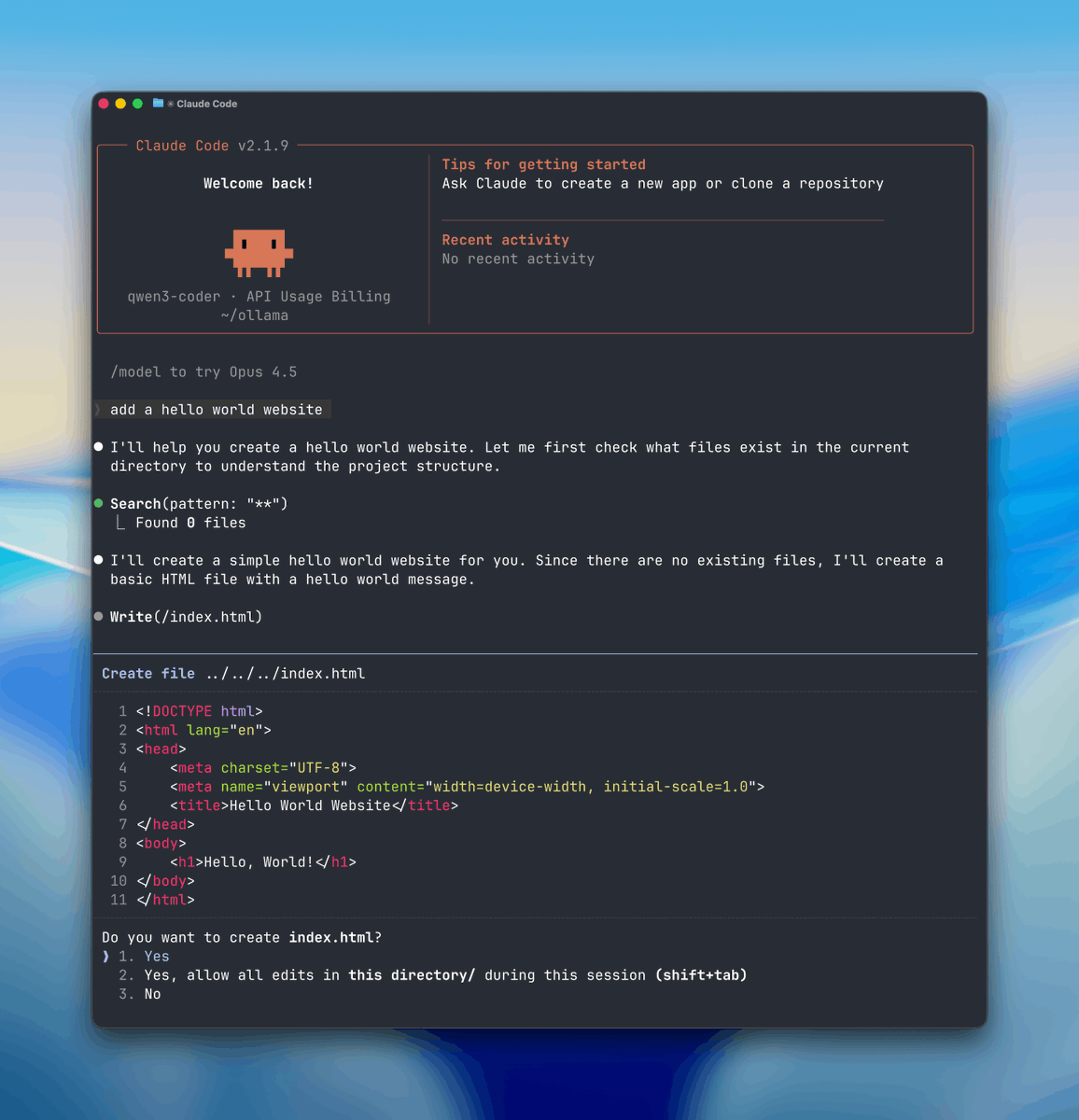
This is not a new Claude Code product launch. It is a creator walkthrough showing that Claude Code can be routed through Ollama locally by swapping the backend and running an open coding model on your own machine. The thread positions that as “free” and “fully private,” with Ollama doing the local model serving on Mac or Windows via Ollama.
The important technical move is in the base URL step: instead of sending requests to Anthropic’s servers, Claude Code is pointed at a local endpoint. That makes the story less about Claude itself changing and more about a practical local-agent workflow creative coders can reproduce.
The setup in the install step starts with Ollama running quietly in the background, then verifying the service is live locally, which the verification clip says should appear on localhost after install. From there, the creator pulls a coding model sized to the machine: qwen3-coder:30b for higher-end hardware, or smaller choices like qwen2.5-coder:7b and gemma:2b when memory is tighter.
Once the base URL is redirected, the launch example has Claude Code started inside a project folder with the selected local model. The payoff in the demo is agent-style behavior on local files: a prompt like “make a hello world website” leads the tool to inspect files, modify code, and complete tasks without a cloud call in the loop.
LangChain open-sourced Deep Agents v0.4.11, an MIT agent harness with planning, files, shell access, sub-agents, and auto-summarization. Study it if you want a readable template for building Claude Code-style tools on your own model stack.
 release
Topview added Seedance 2.0 to Agent V2, pairing multi-scene generation with a storyboard timeline and Business Annual access billed as 365 days of unlimited generations. That moves longform video workflows toward editable sequences instead of stitched clips.
 workflow
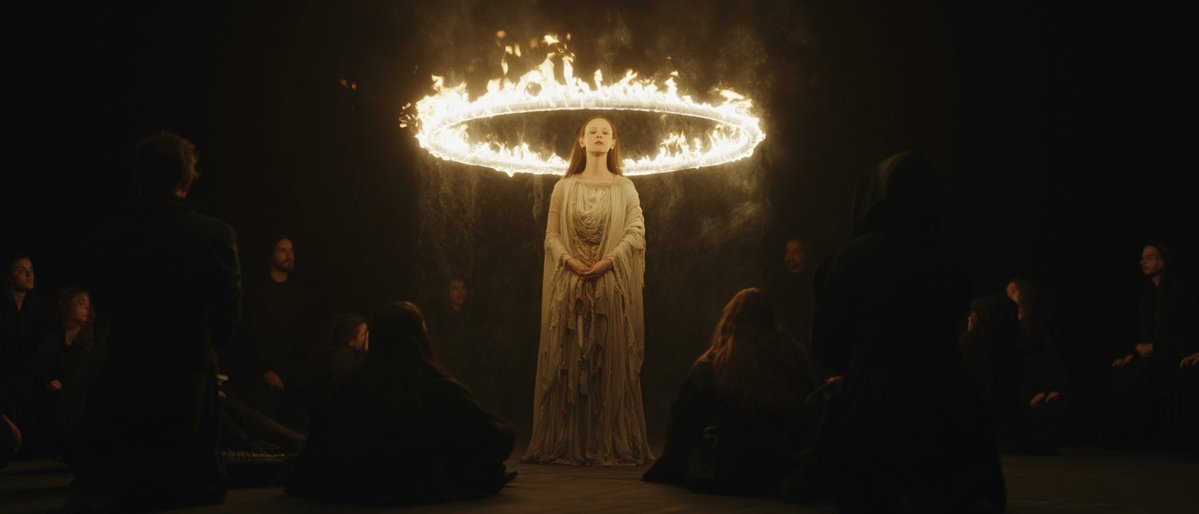
Creators are moving from V8 calibration complaints to darker film-still scenes, fashion shots, and worldbuilding tests, with ECLIPTIC remakes showing stronger depth and lighting. Retest saved SREF recipes if you rely on V8 for cinematic ideation.
 workflow
A shared workflow converts GTA-style stills into photoreal images with Nano Banana 2, then animates them in LTX-2.3 Pro 4K using detailed material, skin, vehicle, and camera prompts. Try it for trailer-style previsualization if you want more control at lower cost.
 workflow
Shared Nano Banana 2 workflows now cover turnaround sheets, distinctive facial traits, and photoreal rerenders that keep the framing of a reference image. Use one prompt grammar for concept art, editorial portraits, and animation prep.
Step 3: Connect Claude to Your Computer This step is super important. Normally, Claude talks to Anthropic’s servers, but now you’ll make it talk to your computer instead. First, let Claude know where your computer is by setting the base URL.

STEP 1: Select Your Local “Brain” (Ollama) First you need a local engine that can run AI models and handle tool or function calls. Here we will use Ollama so download ollama.com Once it’s installed, Ollama runs quietly in the background on both Mac and Windows.
Step 4: Start Claude and Try It Out Now you can use Claude Code for real work. Go to any project folder on your computer and start Claude with the model you picked. For example:


