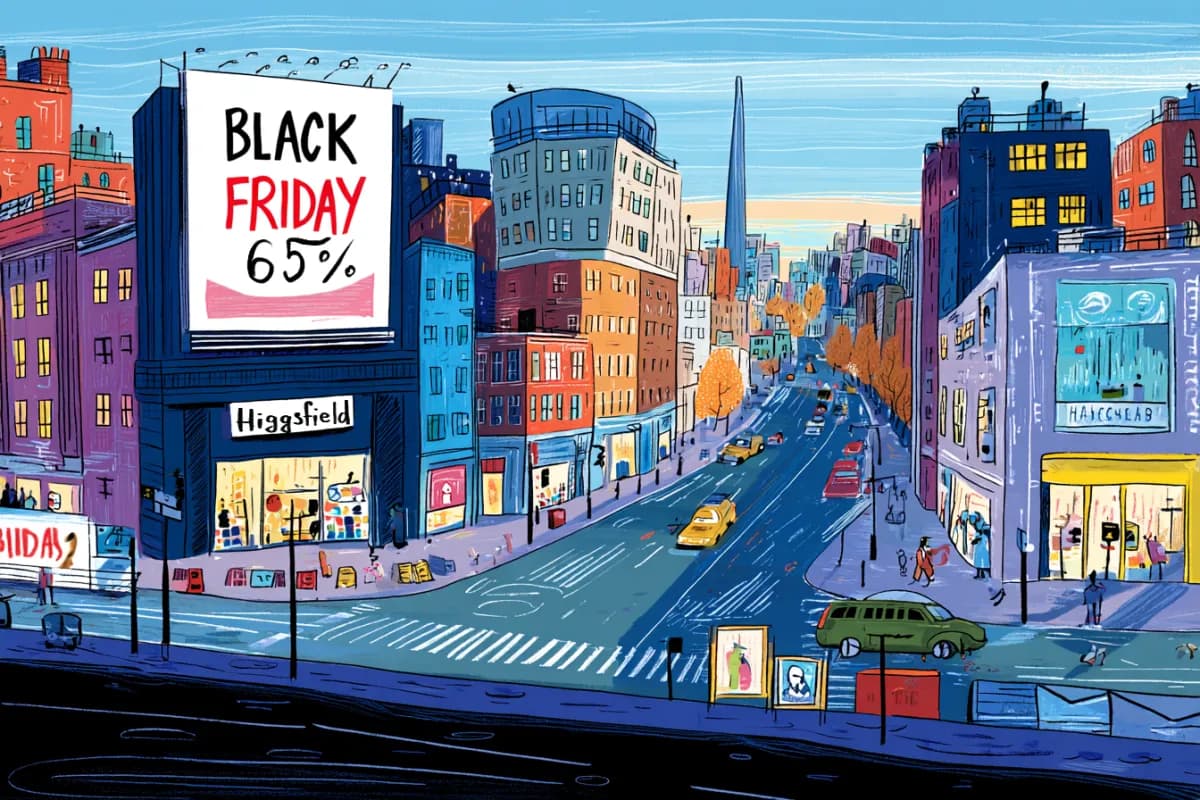
Freepik launched Speak, which turns an image plus text or audio into a lip-synced talking video with 30+ languages and a 5-minute cap. Use it for UGC ads, localized product demos, and fast talking-head tests without reshoots.
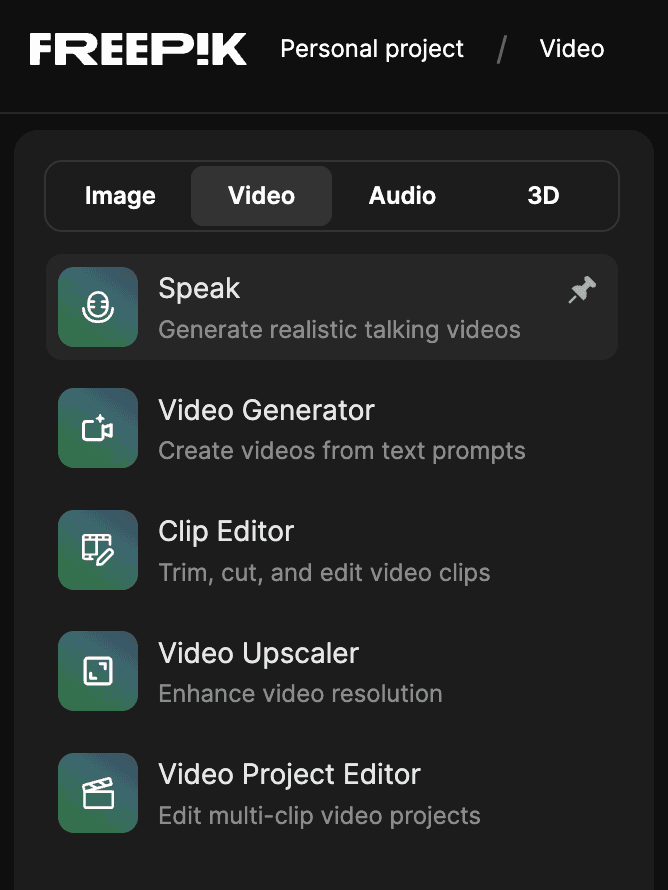
Freepik's launch post frames Speak as a simple lip-sync pipeline: upload an image or other visual, add either your own audio or a script, and generate a talking video in seconds. The same post says the release supports custom voices in more than 30 languages and allows outputs up to five minutes, which puts it beyond the short reaction-clip use case and into ad, explainer, and presenter formats. Freepik's Speak tool page and the short navigation note in tool location place it under Video > Tools > Speak.
The product pitch here is less about avatar building and more about converting still assets into presentation-ready shots. Freepik's public examples keep the setup minimal: one source image, one script or audio track, then automatic lip sync. That makes the launch notable for designers and marketers who already have visuals but do not want to record a presenter for every revision.
Freepik's UGC clip demo shows the tool targeting creator-style ad production: use an illustrated, AI-generated, or real image, write the lines, and let the system produce a talking clip. In other words, the input does not need to start as video, and the company is explicitly positioning Speak for attention-grabbing UGC-style formats.
The other examples broaden that playbook. In localized ad demo, a model photo becomes a localized talking ad in another language; in product photo demo, a static product shot becomes a spoken demo for different customer markets. Across those examples, the repeatable technique is clear: keep the visual fixed, swap script and language, and generate multiple campaign versions from the same asset.
Freepik is already tying the launch to its broader workflow tooling. According to Spaces workflow note, the example workflows shown around Speak are available in Spaces now, and Speak itself is expected there soon, with audio nodes available immediately for testing related pipelines. The attached Spaces page suggests Freepik wants this to live inside a modular creation environment, not only as a one-off export tool.
That matters for teams producing many variants. The launch posts center on batch-friendly tasks like multilingual ads, product explainers, and low-friction talking-head tests, all of which benefit from reusable workflows more than from single polished renders.
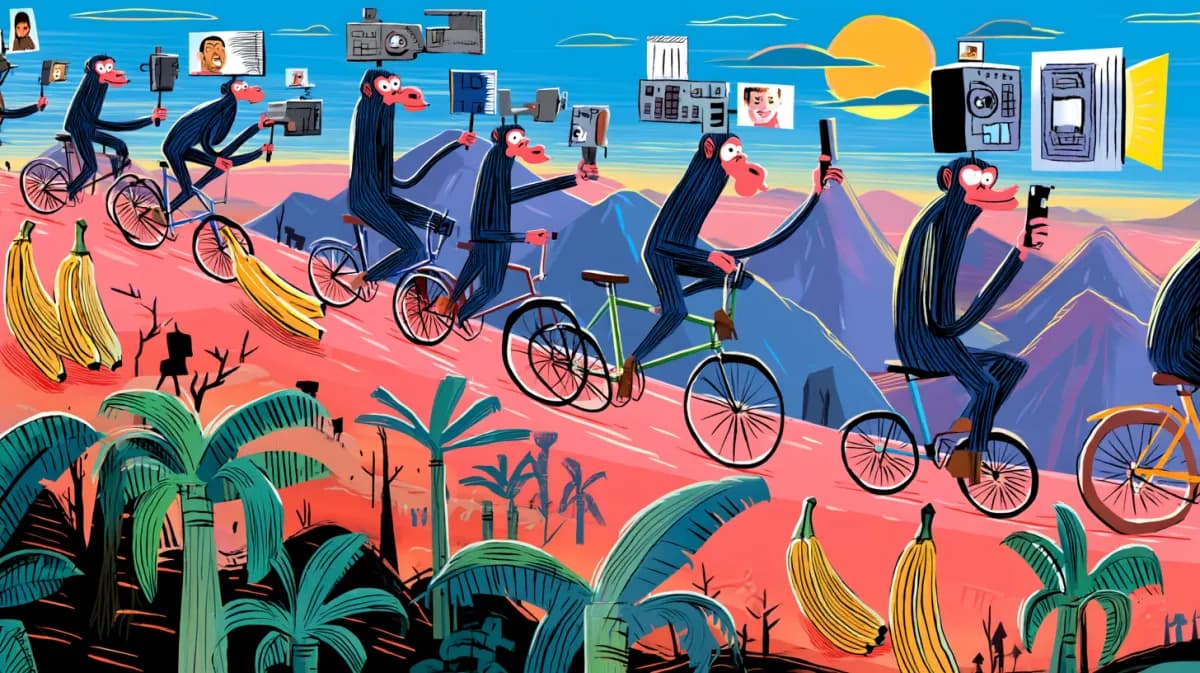
Freepik published a music-video template in Spaces using Nano Banana 2, Fabric 1.0 lip sync, and Kling 3.0 Motion Control, while creators also tested Speak on sung audio. Use the node recipe for fast mockups, but keep faces visible and front-facing to avoid broken sync.
 release
Topview added Seedance 2.0 to Agent V2, pairing multi-scene generation with a storyboard timeline and Business Annual access billed as 365 days of unlimited generations. That moves longform video workflows toward editable sequences instead of stitched clips.
 workflow
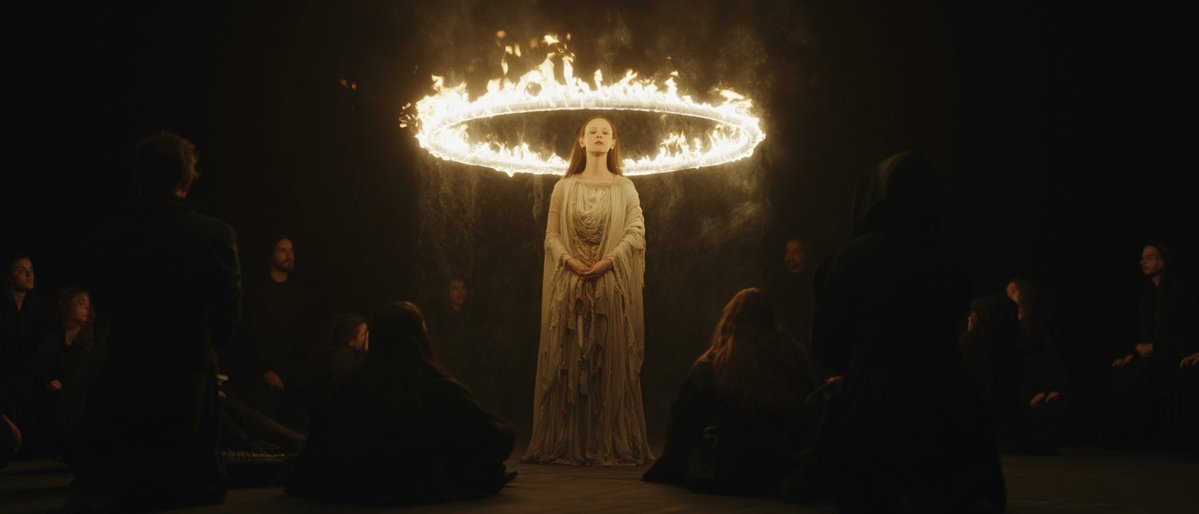
Creators are moving from V8 calibration complaints to darker film-still scenes, fashion shots, and worldbuilding tests, with ECLIPTIC remakes showing stronger depth and lighting. Retest saved SREF recipes if you rely on V8 for cinematic ideation.
 workflow
A shared workflow converts GTA-style stills into photoreal images with Nano Banana 2, then animates them in LTX-2.3 Pro 4K using detailed material, skin, vehicle, and camera prompts. Try it for trailer-style previsualization if you want more control at lower cost.
 workflow
Shared Nano Banana 2 workflows now cover turnaround sheets, distinctive facial traits, and photoreal rerenders that keep the framing of a reference image. Use one prompt grammar for concept art, editorial portraits, and animation prep.
Lip sync can be hard. We fixed that 💥 Introducing Speak on Freepik Upload a visual, add your own audio or a script, and get a lip-synced talking video in seconds → Custom voices in 30+ languages → Up to 5 min talking video → A lip sync tool, made simple Available now
All these are now ready to use in Spaces if you want to test out these workflows Speak will soon be in Spaces, but start working with audio nodes now freepik.com/pikaso/spaces/…
Generate UGC clips that feel real, grab attention, and drive action Pick any image (illustrated, AI-generated, or real), write the words, and the tool handles the rest
Your product photos can now present themselves Upload a shot, add your copy, and get a demo in any language your customers speak