Creators report Grok Imagine now accepts up to seven image references for image and video prompts. Use separate uploads and @Image tags to combine characters, props, and locations into a more controllable shot.
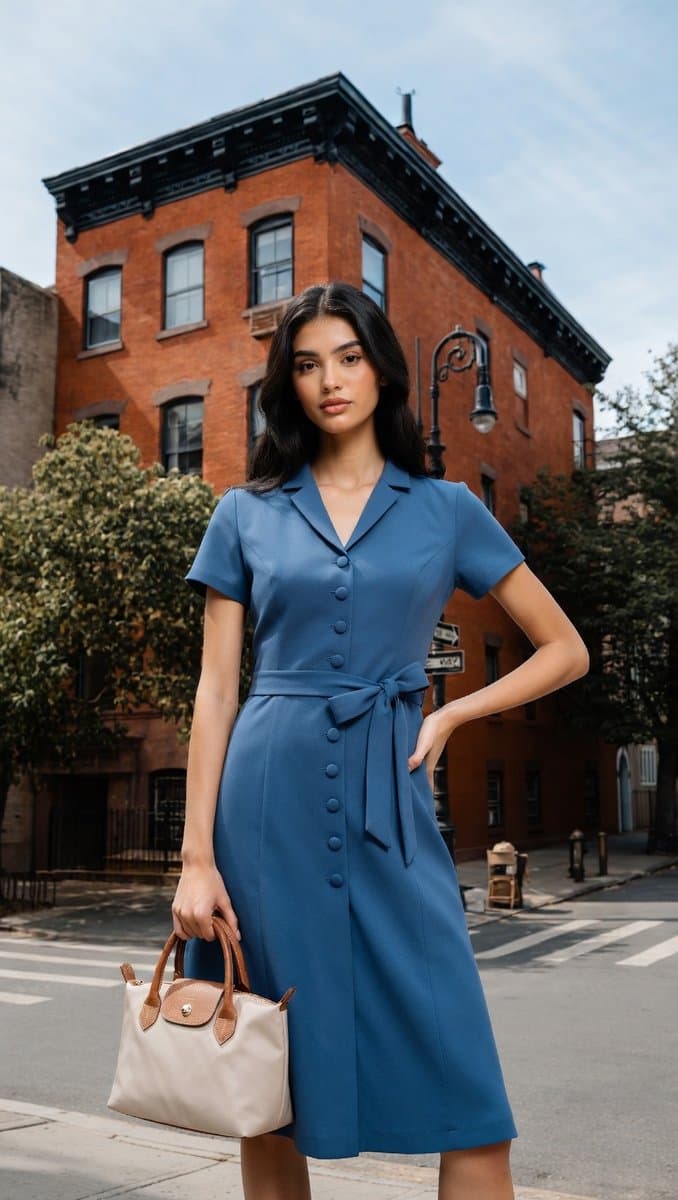
@Image tags 7-image demo.The clearest product change is in the Turkish walkthrough, which says Grok Imagine can tag up to seven images while generating either stills or video. The screenshot shows separate thumbnails injected into the prompt as @Image references, letting the model pull a dress from one source, a handbag from another, a background building from a third, and a person from a fourth.
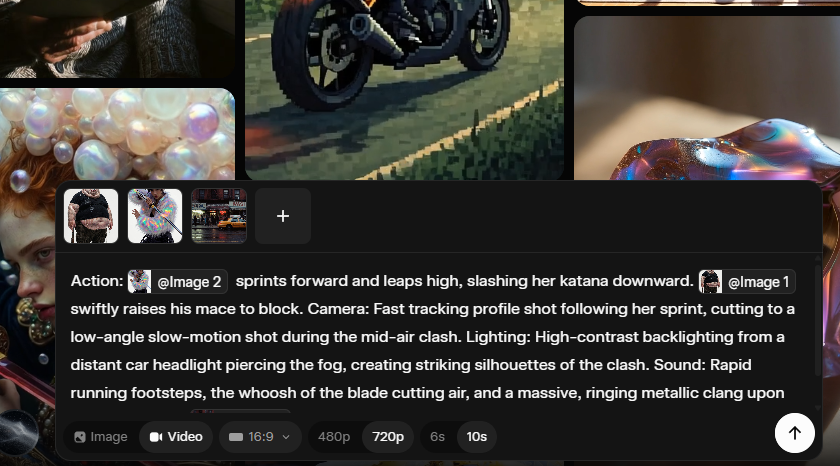
A second UI capture from another creator demo shows the same pattern in video mode: three uploads, explicit references in the text box, and controls for 16:9 output, 480p or 720p, and 6s or 10s duration. That makes this feel less like a style-transfer toggle and more like shot assembly from modular visual parts.
The first wave of examples is less about a single aesthetic than about combinability. One demo frames the update as an “Omni” mashup tool for fusing very different references into one video, while another test combines three elements into a rocket-launch scene on an alien-looking landscape.
Other creators are pushing the feature into stylized motion. A stop-motion clip uses handmade clay-figure cues that read like miniature animation rather than glossy AI video. Anima Labs' creature piece describes a pipeline with Midjourney for 2D, Leonardo's Nano Banana Pro for 3D, and Grok for animation and sound, producing a dinosaur-like organism that opens dorsal ridges and releases fungal spores. Together, those examples suggest the new control layer is useful for both compositing realism and preserving niche visual languages.
The most concrete recipe comes from techhalla's thread: generate or collect the character images first, build scene references separately, then upload them as individual assets instead of flattening them into one board. The prompt can then assign roles directly to each reference.
In the follow-up screenshot, the text splits the shot into fields: action, camera, lighting, sound, and setting, while calling in uploaded images with @Image tags. That structure turns references into named building blocks rather than vague inspiration. The main quality caveat so far comes from the fashion test, where repeated attempts still made the subject disproportionately large relative to the street, pointing to weak scale and perspective handling in more grounded scenes.
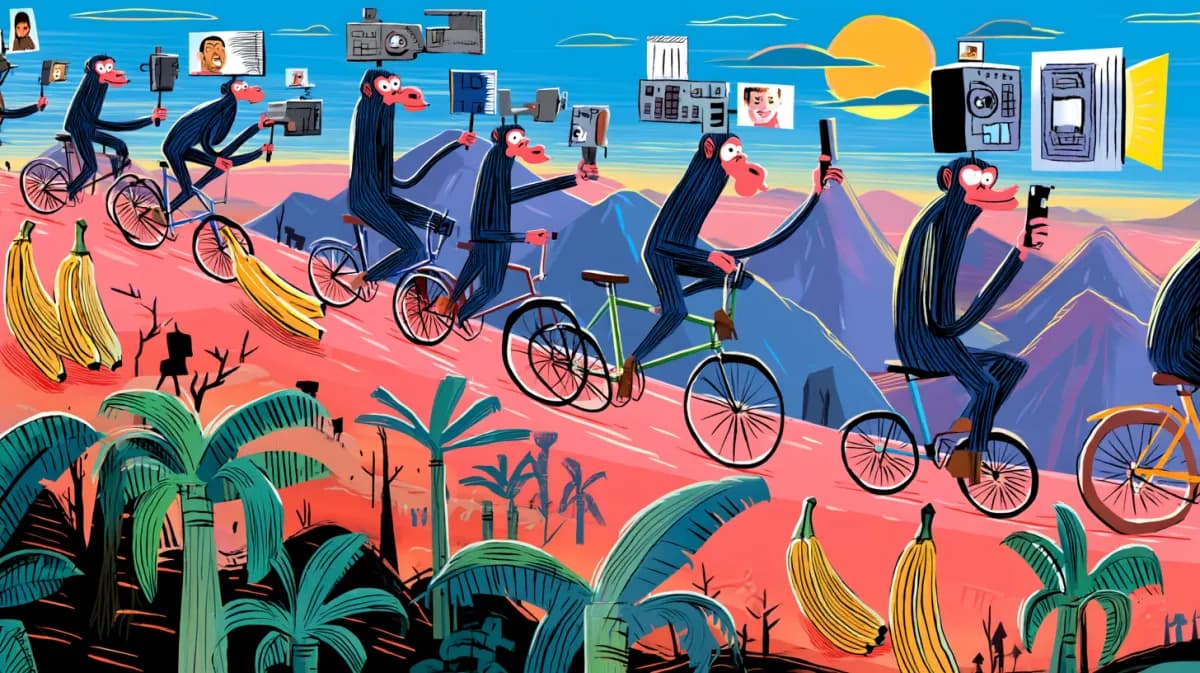
Luma launched Uni-1 and says it can reason through prompts while generating images. Creators report stronger composition on first pass for sketch-to-photo, multiview characters, and reference-led scenes, which should cut correction loops.
 release
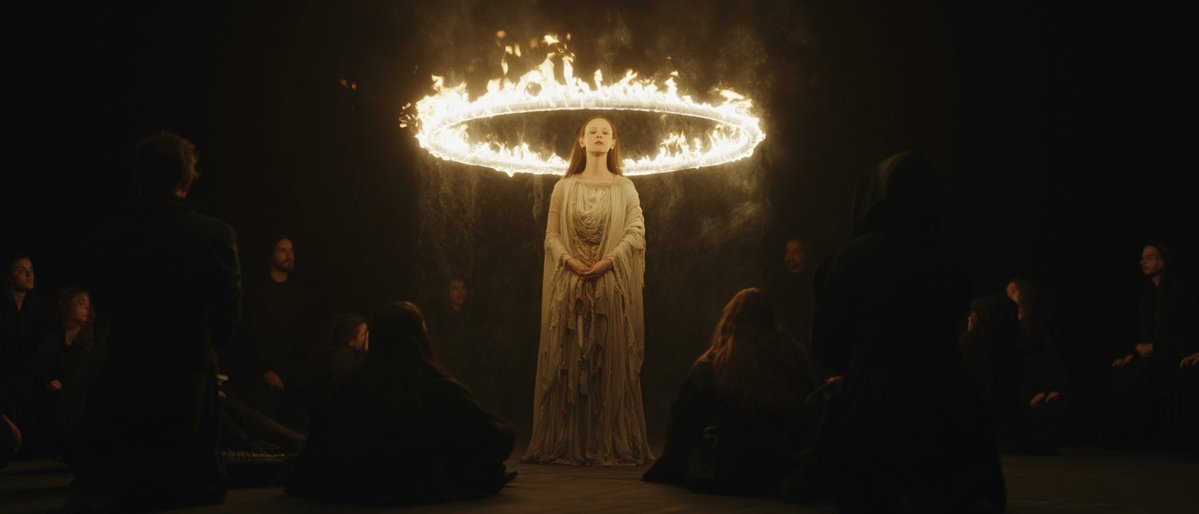
Topview added Seedance 2.0 to Agent V2, pairing multi-scene generation with a storyboard timeline and Business Annual access billed as 365 days of unlimited generations. That moves longform video workflows toward editable sequences instead of stitched clips.
 workflow
Creators are moving from V8 calibration complaints to darker film-still scenes, fashion shots, and worldbuilding tests, with ECLIPTIC remakes showing stronger depth and lighting. Retest saved SREF recipes if you rely on V8 for cinematic ideation.
 workflow
A shared workflow converts GTA-style stills into photoreal images with Nano Banana 2, then animates them in LTX-2.3 Pro 4K using detailed material, skin, vehicle, and camera prompts. Try it for trailer-style previsualization if you want more control at lower cost.
 workflow
Shared Nano Banana 2 workflows now cover turnaround sheets, distinctive facial traits, and photoreal rerenders that keep the framing of a reference image. Use one prompt grammar for concept art, editorial portraits, and animation prep.
Grok Imagine önemli bir update aldı. Görsel veya video oluştururken 7 adede kadar görseli tag'lenerek prompta eklenebiliyor. Şöyle bir deneme yaptım. Bu arada şunu da demeliyim ki, boyut algılama ve perspektif konusunda bence iyi iş çıkaramıyor henüz. Defalarca denememe rağmen Show more


You can now use Image References with Grok Imagine. Simply upload your images and prompt them into your video.

Grok Imagine's new Omni update lets you mash completely different references into one sick video. It’s actually insane they pulled this off in just 9 months!
Few things are more charming than handcrafted stop motion. And with Grok Imagine, it works beautifully.
Finally, jump into the video generator. You're gonna upload the images separately and just use '@' in the prompt to call out how you want to use each reference. Here's what that looks like.
The new Grok Imagine update is actually insane. Here's how I made this video only using references 👇