Hailuo launched Light Studio for relighting stills with adjustable angle, intensity, color temperature, layered lights, and presets. It turns one source image into multiple lighting setups without rebuilding the whole scene.
Hailuo is positioning Light Studio as an image relight feature inside its video platform, with a free-trial entry point through the relight tool page. The core controls named in Hailuo's launch post are angle, intensity, and color temperature, plus dual-light layering and 20 one-click presets.
The more interesting part is the workflow framing. Hailuo's follow-up post pitches the tool as changing the mood of an existing frame instead of rebuilding composition, which makes it read more like a fast look-dev surface for key art, character stills, and product shots than a full image generation step.
Hailuo's UI teaser emphasizes direct manipulation, showing relighting as a click-and-drag adjustment rather than a prompt-only operation. That matters for artists who already know the shot they want and just need to push depth, contrast, or time-of-day feel.
Support posts add two useful specifics. In the Japanese early-access writeup, a creator says Light Studio supports both HEX-code and Kelvin-based color temperature input, which would make it easier to match brand palettes or practical lighting references. Another early test, described in a creator repost, says the tool can control up to three lights, extending beyond the dual-source layering Hailuo names in its launch copy.
The first wave of demos focused on how far one source image can stretch. In a reposted test, a creator uploaded a single image of samurai armor on white and ran multiple templates to produce dramatically different lighting moods, with the reflective metal helping show how strongly the relight changes read.
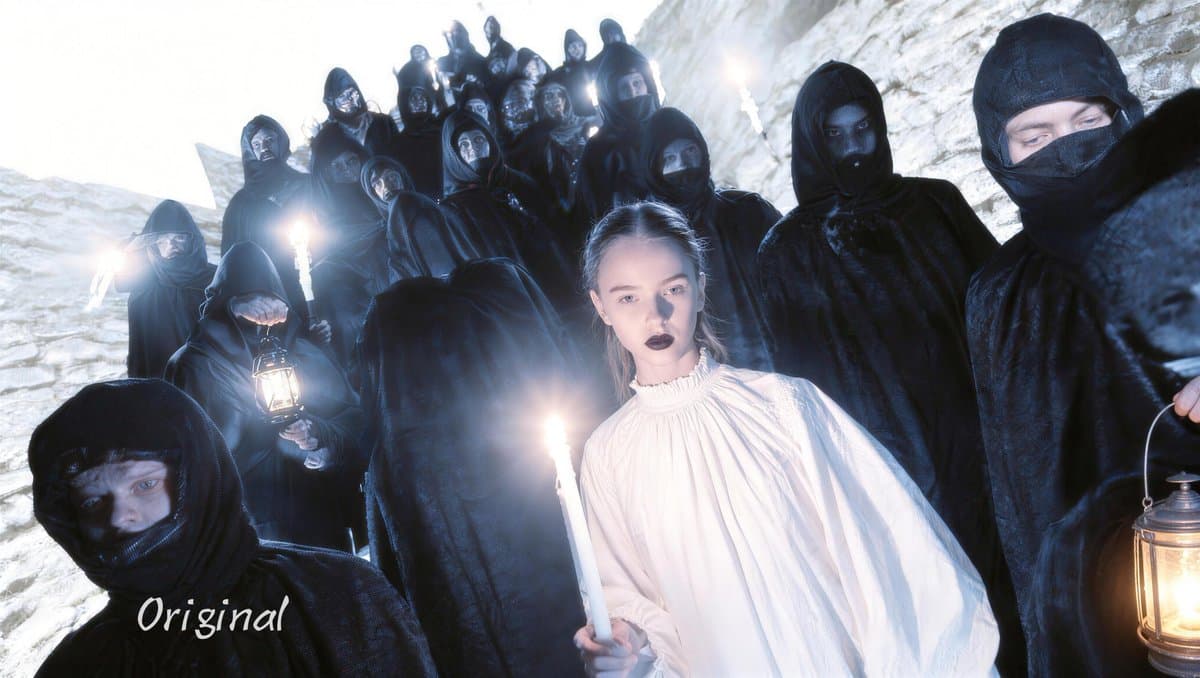
Another reposted early preview, the sneak peek, explicitly calls this “Image Relight,” reinforcing that the feature is built around post-lighting a provided still. Hailuo's own anime-look example also suggests presets are tuned for stylized looks, not just neutral correction, so the immediate use case is mood iteration as much as technical cleanup.
A Calico workflow turns listing photos and a Zillow URL into voiceover-led real estate videos with auto music and captions. Solo creators can use it to sell polished property reels without hiring a videographer or editor.
 release
Topview added Seedance 2.0 to Agent V2, pairing multi-scene generation with a storyboard timeline and Business Annual access billed as 365 days of unlimited generations. That moves longform video workflows toward editable sequences instead of stitched clips.
 workflow
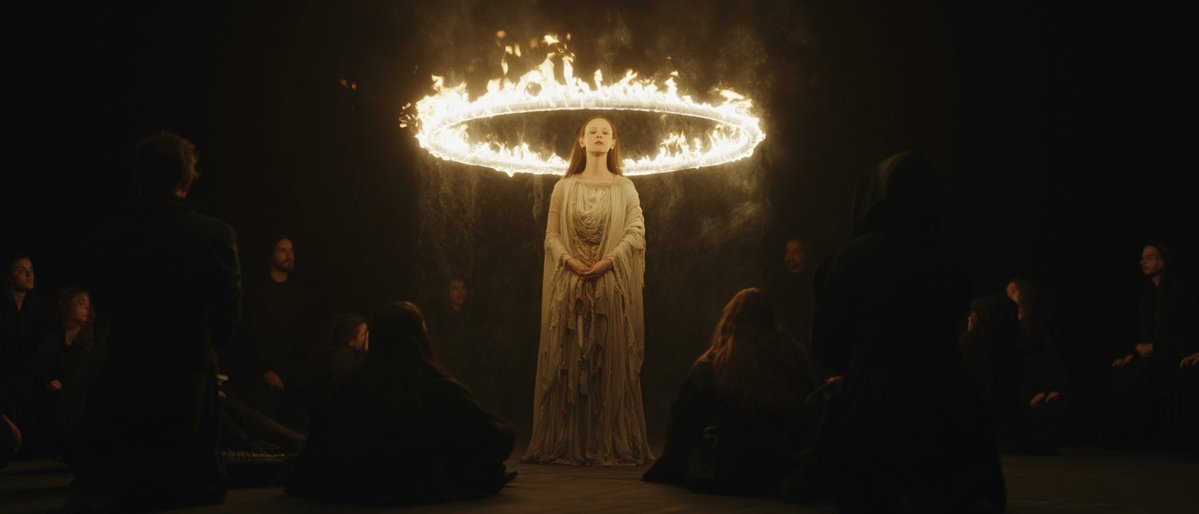
Creators are moving from V8 calibration complaints to darker film-still scenes, fashion shots, and worldbuilding tests, with ECLIPTIC remakes showing stronger depth and lighting. Retest saved SREF recipes if you rely on V8 for cinematic ideation.
 workflow
A shared workflow converts GTA-style stills into photoreal images with Nano Banana 2, then animates them in LTX-2.3 Pro 4K using detailed material, skin, vehicle, and camera prompts. Try it for trailer-style previsualization if you want more control at lower cost.
 workflow
Shared Nano Banana 2 workflows now cover turnaround sheets, distinctive facial traits, and photoreal rerenders that keep the framing of a reference image. Use one prompt grammar for concept art, editorial portraits, and animation prep.
Dropping Hailuo Light Studio Cinematic Crew in Your Pocket →Fine-tune every detail: angle, intensity & color temp →Layer your lights: mix dual sources for pro setups →20 signature presets, ready in a click Jump in with free trials! Follow @Hailuo_AI +comment +like for Free Show more
Click and drag. Bring cinematic depth to every shot. Give it a tweak: hailuoai.video/tool/relight


Hailuoの新機能Light Studioが使えたのでテンプレ複数使ってみました。 背景白の武士の鎧画像を1枚アップしただけで、 こんなに様々なドラマチックな照明に即変化、簡単便利! 甲冑の光の反射具合でかっこよく、ライティング細かくカスタマイズしながらずっと遊べちゃう機能ですね。 Show more
Own the spotlight and reshape the scenes. You are the director.


👀HAILUO EARLY SNEAK PREVIEW👀 LIGHT STUDIO Image Relight comes to Hailuo Minimax! • Fine-tune every detail: adjust angle, intensity, and color temperature • Layer your lights: mix two light sources for more complex setups • 20 cinematic presets Original photo and a Show more