Phota's image model is now publicly available with tools for personal likeness training, multi-person merges and photo cleanup. Creators can direct realistic self-portraits and fix existing shots in one workflow.
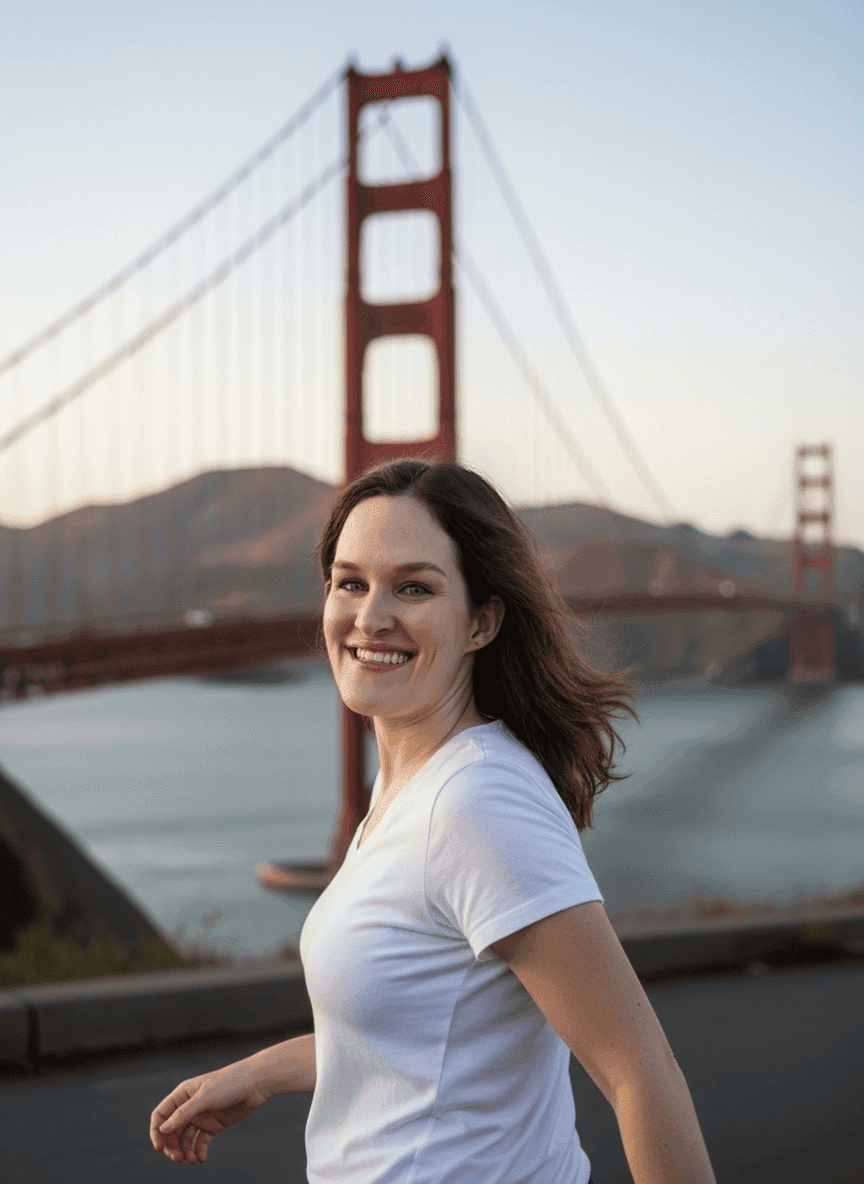
The public release centers on Phota Studio, which the Studio page presents as the main entry point for generating images and testing prompts. In the launch thread, the core pitch is realism tied to a specific person or pet rather than generic portrait generation.
That shows up in the product’s simplest mode. The photo booth demo describes a plain prompt box, but the examples are unusually short for this category: “candid photo of Justine holding up a drink on a roof in NYC” and “headshot of Justine leaning against a brick wall.” The claim is less about cinematic prompting than about getting a recognizable subject from everyday language.
Phota’s more creator-friendly move is that it keeps generation and retouching in one tool. One workflow post says users can train multiple individuals separately, then combine them in the editor while preserving each subject’s details; the example mixes a person with two pets into a seamless family image.
Style control leans on reference images instead of long prompt recipes. In the Style Me example, a creator feeds in photos from an office shoot to remake that look with their own likeness.
The edit stack then pushes beyond cleanup. According to the editor demo, Phota can “unselfie” a frame or change a neutral face into a smile on an existing photo. The Make Pro post adds a more polished pass that adjusts lighting, color, and sometimes pose while keeping the person and scene consistent, which makes the release feel closer to an AI portrait studio than a standard image generator.
Luma is rolling out Uni-1 as a reference-driven image model built around intelligence, directability and cultural taste, with examples spanning sketch conversion and multi-image blends. Use it when references matter more than giant text prompts.
 update
Seedance 2.0 is now showing up across CapCut Video Studio, Dreamina and Pippit with multi-scene timelines and shot templates. Creators can use it to move from single clips to editable long-form production.
 release
Runway's new web app turns a prompt or starter image into a cut scene with dialogue, sound effects and shot pacing. Creators can now block whole sequences instead of stitching isolated clips.
 release
Posts report Nano Banana 2 now offers 4K image output, and creators are using it for poster systems, hidden-object layouts and character sheets. Higher-res stills should travel better into video, branding and print workflows.
 update
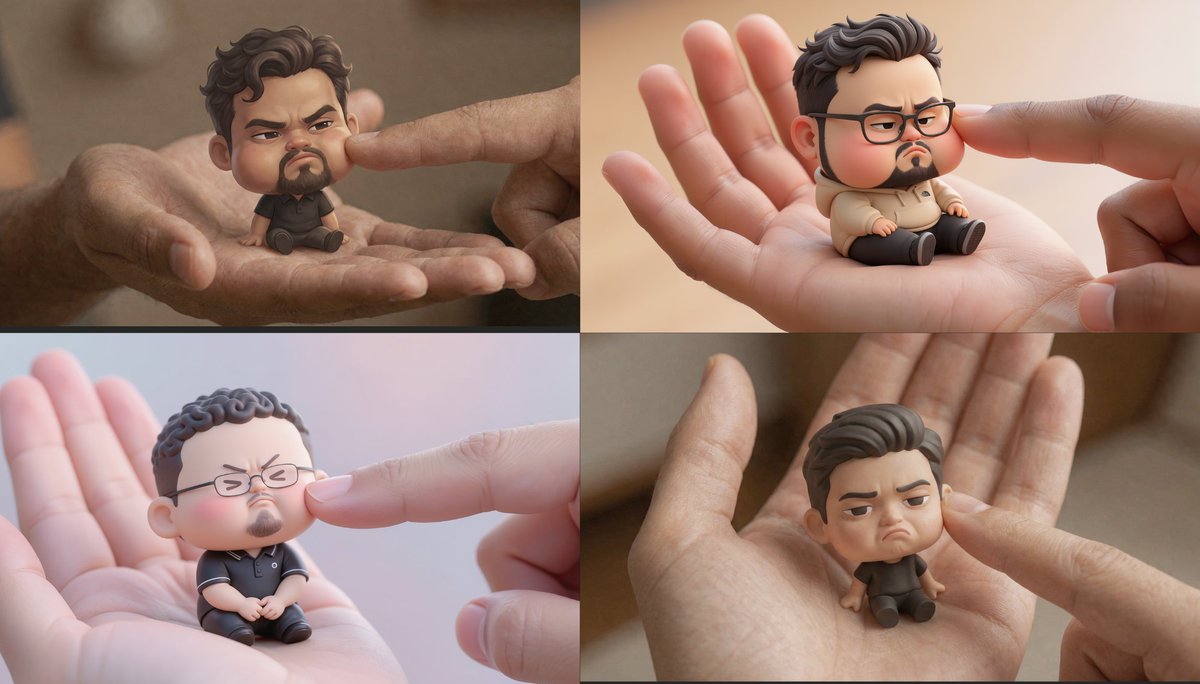
Official and partner demos show Uni-1 handling localized edits, dense layouts, manga generation and Pouty Pal chibis. Creators can reuse one model across avatar, editorial and comic workflows.
This model is now publicly available! Check it out at studio.photalabs.com And some examples of what @PhotaLabs can do + prompting tips 👇 x.com/venturetwins/s…

This image model is now publicly available 🎉 @PhotaLabs is insanely good at generating AI images that actually look like you (and your pets). And it can also edit or enhance real photos to fix flaws! I've made hundreds of photos on Phota. A few things to try 👇


(3) Try the "style me" feature This is a really powerful way to control what a photo looks like. Here, I used photos from an @a16z office photoshoot as reference images and generated my own versions. I will never be taking headshots again 😂

(5) Turn a normal photo into a professional portrait There's a "make pro" feature that can take a basic image and gives it some special polish. It adjusts the lighting, color, and sometimes the pose while keeping the person + the environment consistent.