Photoshop beta adds Rotate Object to place flat layers in 3D space, with Harmonize relighting and AI Assistant also reaching web and mobile. Try it for composition changes before rebuilding scenes from scratch.
Adobe’s new Rotate Object beta lets editors take a 2D layer and reposition it as if it had depth, then hand the result to Harmonize for lighting and shadow matching. In the launch demo, a selected object is rotated directly in-canvas and dropped back into a scene with a more believable angle and relit finish rotation demo.
That release sits next to a broader assistant rollout. Adobe’s AI Assistant web launch says Photoshop AI Assistant is now in the web app for prompt-based edits and image generation, while the mobile repost describes the assistant as a beta feature on web and mobile. The split matters for creatives because Rotate Object is framed as a precision composition tool, while the assistant is a prompt layer for faster edits.
The clearest use case so far is salvaging a composition without rebuilding the whole scene. In one creator test written in Turkish, the post says Photoshop beta can turn 2D objects into 3D and reposition them freely; the demo shows a flat cloud illustration converted into a rotatable form and angled against a new background cloud demo. A reply from the feature’s presenter adds that it also works well on paintings works on paintings.
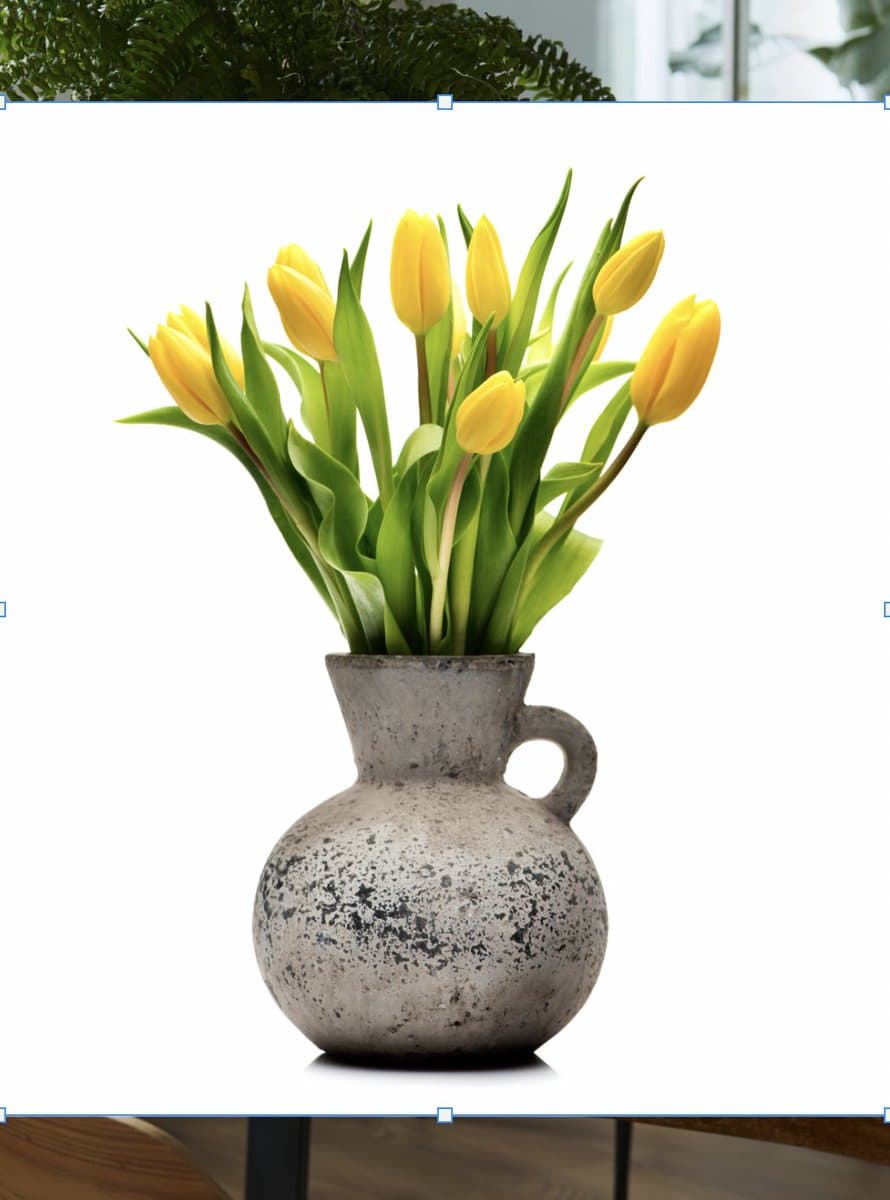
A second demo pushes the feature toward photobashing. The tulip vase sequence shows a cutout bouquet and vase being rotated, placed onto a rustic table, and then harmonized into a room setup with matching shadows and perspective, turning a plain isolated product shot into a styled interior composite
. That lines up with one creator reaction calling it useful for “total control over a composition” composition control, though Adobe’s own reply says the feature is still beta still beta.
Photoshop on the web added AI Assistant beta for chat-based edits, and Adobe also rolled out AI Markup targeting, Firefly sync, speech generation, and Topaz Astra upscaling. Try it to rough in edits faster, target exact regions, and move drafts toward polished assets with fewer manual steps.
 release
Topview added Seedance 2.0 to Agent V2, pairing multi-scene generation with a storyboard timeline and Business Annual access billed as 365 days of unlimited generations. That moves longform video workflows toward editable sequences instead of stitched clips.
 workflow
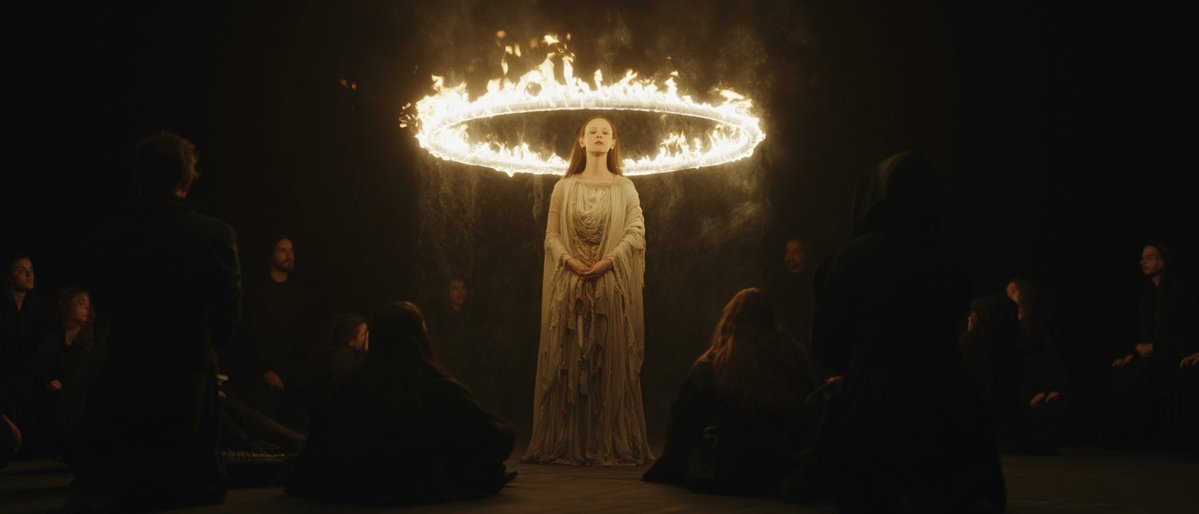
Creators are moving from V8 calibration complaints to darker film-still scenes, fashion shots, and worldbuilding tests, with ECLIPTIC remakes showing stronger depth and lighting. Retest saved SREF recipes if you rely on V8 for cinematic ideation.
 workflow
A shared workflow converts GTA-style stills into photoreal images with Nano Banana 2, then animates them in LTX-2.3 Pro 4K using detailed material, skin, vehicle, and camera prompts. Try it for trailer-style previsualization if you want more control at lower cost.
 workflow
Shared Nano Banana 2 workflows now cover turnaround sheets, distinctive facial traits, and photoreal rerenders that keep the framing of a reference image. Use one prompt grammar for concept art, editorial portraits, and animation prep.
🎉 We just released Rotate Object in Photoshop (beta) 🎉 You can now rotate 2D images! 🤯 Then use Harmonize to add light and shadows, to blend it perfectly with the rest of the scene. It's like Turntable in Illustrator, but instead of vectors, it's pixels in Photoshop!
Adobe Photoshop'a (beta) 2D objeleri 3D'ye çevirip istediği gibi konumlandırma özelliği geldi. Ben de şöyle bir deneme yaptım👇
Photoshop AI Assistant is now available on the web app. Use prompts to make adjustment to images and even generate new elements. It's really cool seeing the assistant take over the workflow. You can then jump in to add all the finishing touches!